You can review and change your personal settings for a Rental Mobile Operations app.
You can, for example, change your time zone or calendar setup.
Steps
On the home page, on the site map, tap the Settings icon.
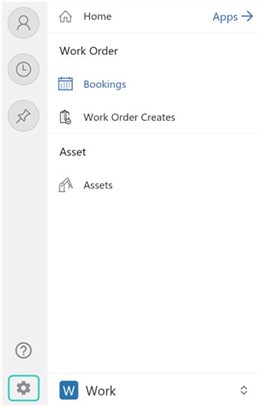
Review the settings and, if desired, make changes.
Close the Settings page.
Notes
On a Windows device or browser, on the app header, click Settings > Personalization Settings.
