You can reconfigure a Rental Mobile Operations app. You do so to make sure you run the latest version of the app.
For example, you can reconfigure an app, if a new version is available or updates are made to the app.
Steps
On the home page, on the site map, tap the Profile icon.
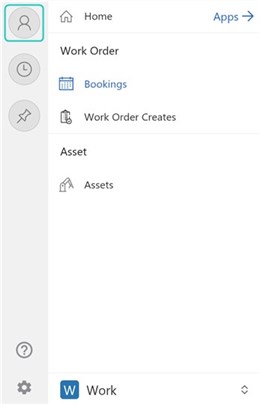
Tap Reconfigure.
On the Home page, tap the Rental Mobile Operations app to open it.
Notes
On a Windows device or browser, on the app header, click User Information > Reconfigure.
On the Apps page, click the Rental Mobile Operations app to open it.
