When you finish work, you can:
Close the Power Apps mobile app.
Sign out and close the Power Apps mobile app.
Note
The next time you open the Power Apps mobile app, you must sign in.
This topics explains how to sign out.
Steps
On the home page, on the site map, tap the Profile icon.
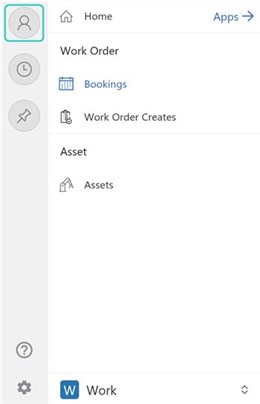
Tap Sign out.
Close the Power Apps mobile app.
Notes
On a Windows device or browser, on the app header, click User Information > Sign out.
Close the Power Apps mobile app.
