You can give feedback on the Rental Mobile Operations app.
The feedback is sent to the app provider: STAEDEAN.
| 1. | On the home page of the app, tap the floating action button > STAEDEAN Feedback. |
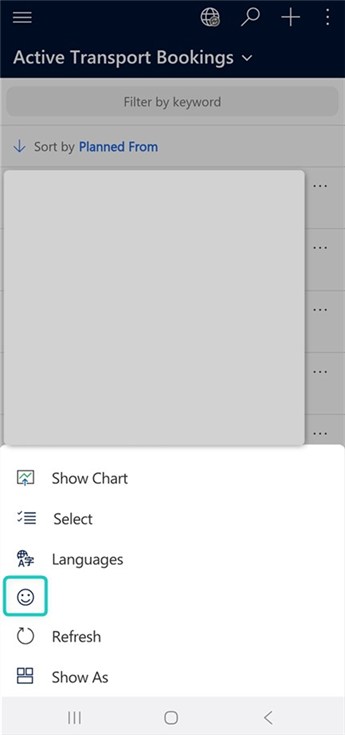
|
|
|
Note: On a Windows device or browser, on the taskbar, tap STAEDEAN Feedback. |
|
| 2. | On the dialog, select you rating. |
| 3. | Enter text to tell why you choose this rating. |
| 4. | Tap Submit. |
| Related to | Notes |
|---|---|
|
Use generic functions |
