A PLM Staging Journal may become locked if errors occur during posting. Whether a journal remains open or locked depends on the Close journal on error setting defined in the PLM system Details section.
Go to Modules > Engineering Change Management > Periodic > PLM Integration > Staging Journal.
Use the Journal status filter to locate the journal:
Not posted or Locked – Based on the configuration setting.
All – Displays every journal, regardless of status.
Open the journal and navigate to the Blocking tab.
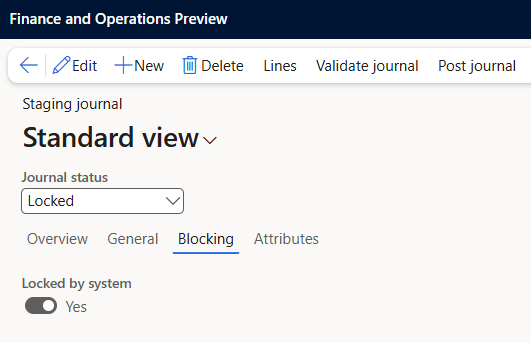
Set Locked to No to unlock the journal. Once unlocked, the journal can be corrected and reposted.