If you have created a new part in PTC Windchill, send it to a distribution target. This lets D365 F&SCM take the part data from this location for further processing in D365 F&SCM. For more information, refer to ESI Send to distribution target.
Note
The steps and user interface can differ in your PTC Windchill version. This topic describes the manual procedure. For other ways to send part data to distribution targets, consult your PTC Windchill partner.
Steps
Log in to PTC Windchill.
Browse to the part you want to send to D365 F&SCM.
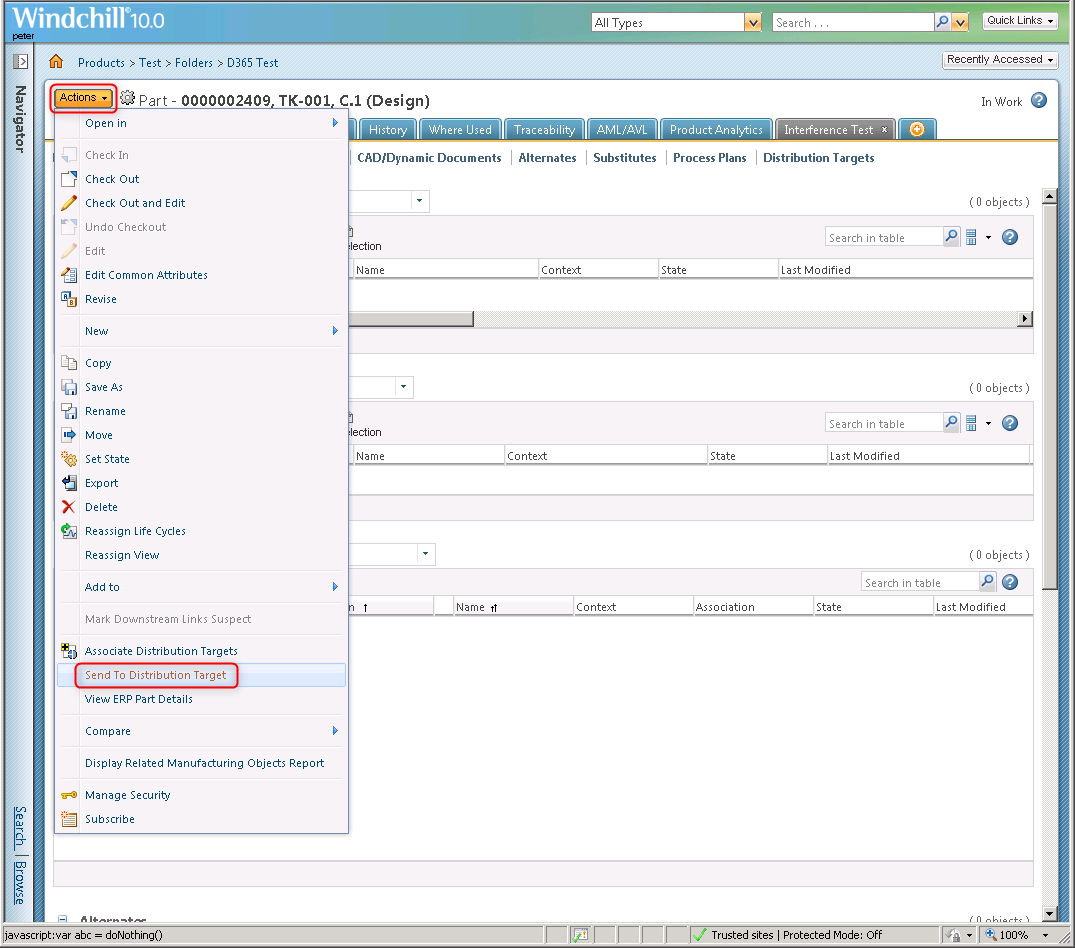
Click Actions > click Send To Distribution Target.
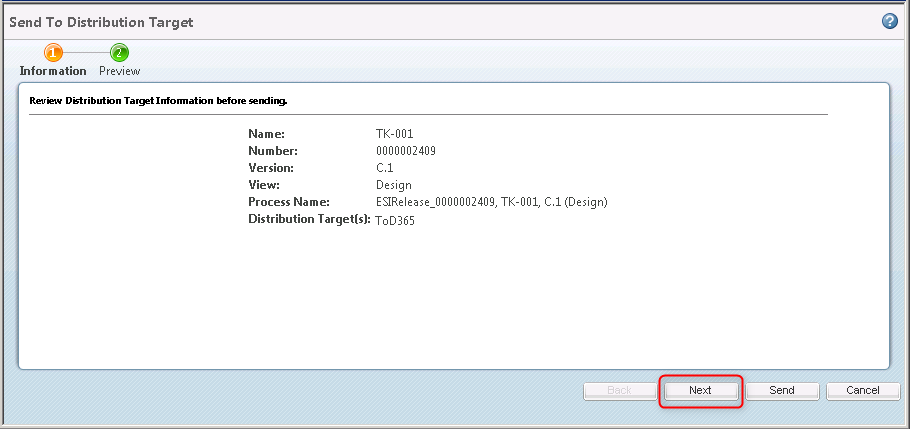
Click Next.
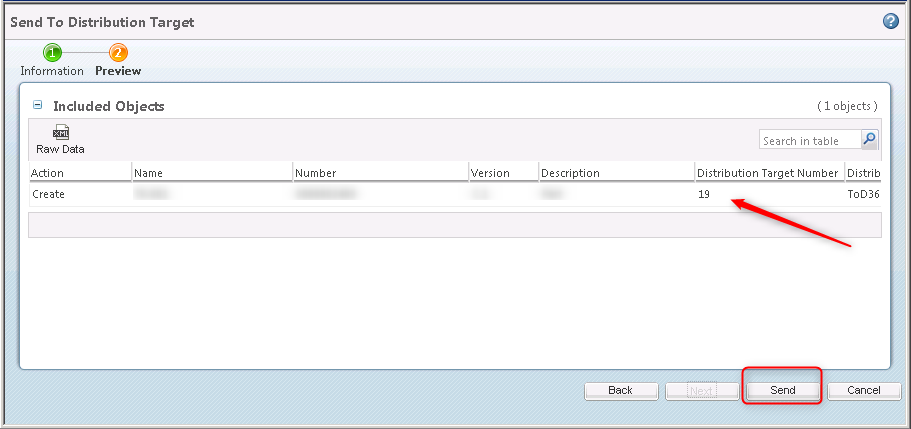
Check that the correct distribution targets are associated. In this example, only target 19 is associated. Click Send.