Posting transfers validated PLM data into live D365 F&SCM tables by creating or updating engineering products and engineering change orders (ECOs). There are two types of posting:
Manual Posting
Batch Posting Open Journals
Manual Posting
Manual posting allows users to process individual staging journals on demand.
Go to Engineering Change Management > Periodic > PLM Integration > Staging Journal.
Select the journal to be processed.
Click Post journal.

Note
Manual posting is typically used for testing, validation, or controlled processing of specific journals.
Batch Posting of Open Journals.
Batch posting enables processing of multiple open journals simultaneously, either immediately or through scheduled jobs.
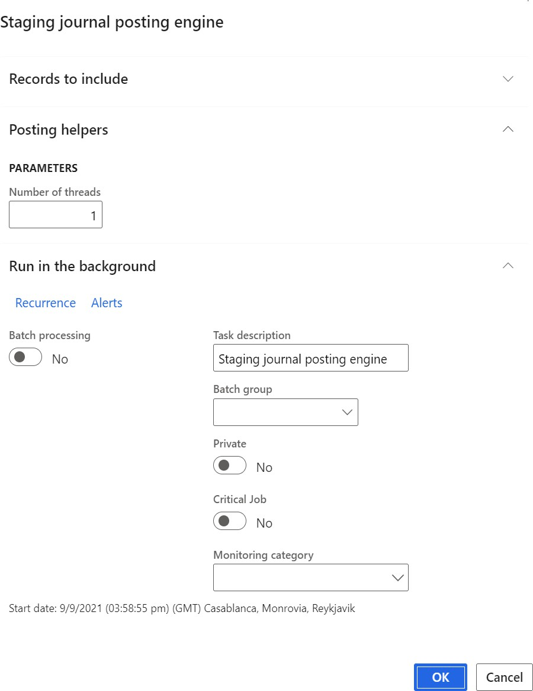
Go to Engineering Change Management > Periodic > PLM Integration > Post Staging Journals.
Configure the parameters and click OK.
Select Run in the background to schedule recurring automatic posting.
(Optional) Specify the number of threads to enable parallel posting in high-volume environments.
Results of Posting
If posting succeeds, the integration automatically creates the associated structures based on scenario (ImportPart, ImportECO, ImportMigration, and ImportRelease)
After posting, the data is managed through standard D365 F&SCM and Engineering Change Management processes, including:
Product release
Readiness checks
Change order approval
Version control