Use this task to create a new staging journal. The steps below explain how to enter and save a new record.
Steps
1. Go to Modules > Engineering change management > Periodic > PLM Integration > Staging journal.
2. Select New.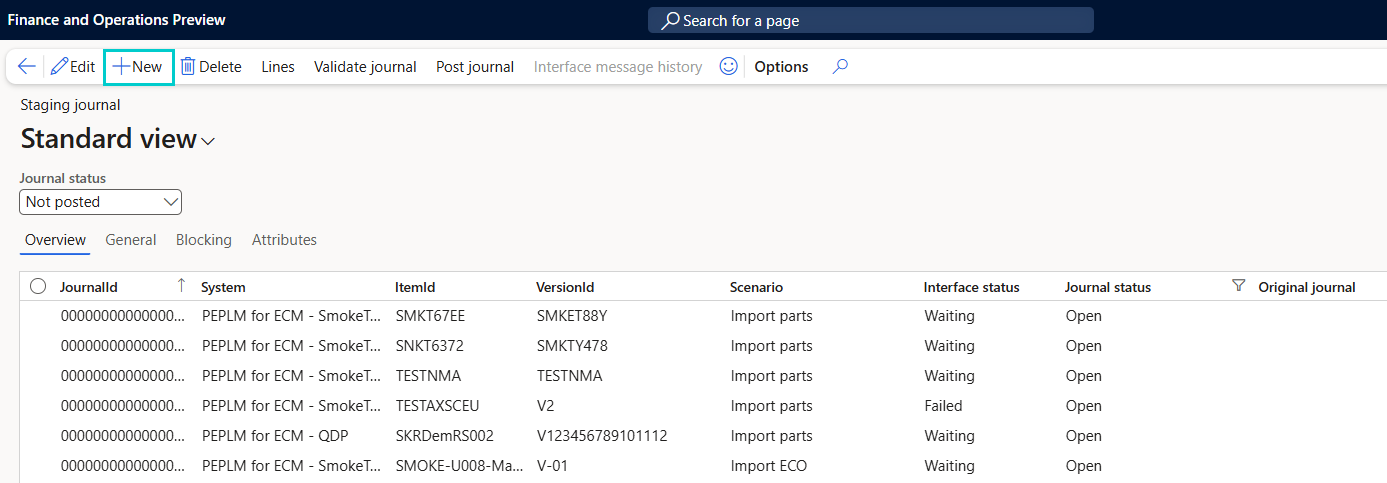
3. Enter the required journal details, including:
System - The PLM source system name.
Item ID - The identifier of the PLM item imported.
Version ID - The version of the PLM item.
Scenario - The PLM integration scenario (for example, Import ECO, Import Parts, Import Release, Import Migration).
Interface status - Displays the system-assigned interface state after data import.
Journal status - Indicates whether the journal is Open or Posted
4. Select Save.