Use this task to open PLM journal lines and view item-level details for the selected staging journal.
Steps
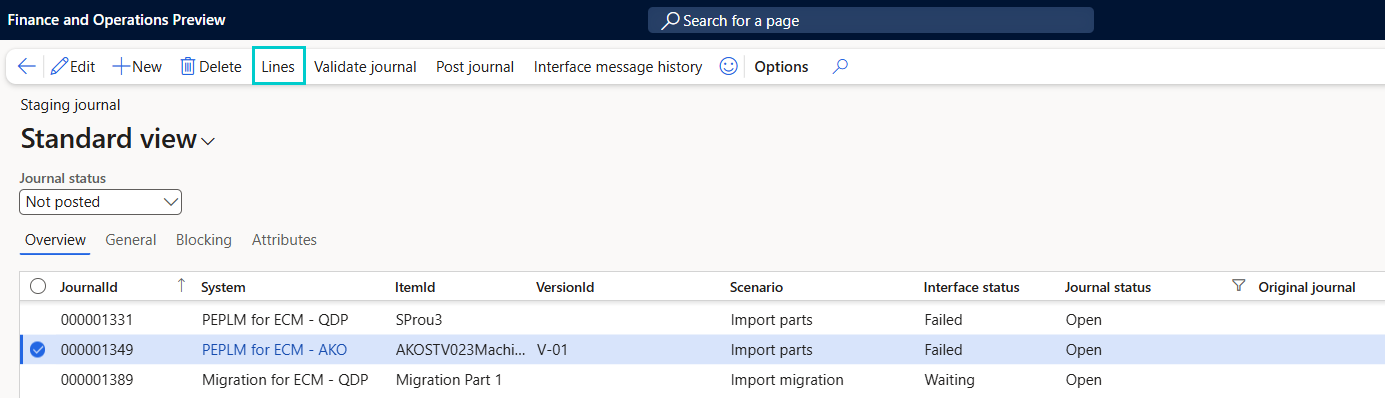
Go to Modules > Engineering change management > Periodic > PLM Integration > Staging journal.
Select the journal to review.
Click Lines. The PLM Journal Lines page opens with item-level data.
Note
The line details include the Product release targets tab, between Route and Translations. See Add release targets to a staging journal line.
The Route versions tab follows the Route tab. See About route versions on staging journal lines.