Review Interface Message History
- Updated on Jun 26, 2026
- Published on Mar 26, 2026
- 1 minute(s) read
Use this task to review interface messages related to a staging journal. These messages help identify integration errors or processing outcomes.
Steps
Go to Modules > Engineering change management > Periodic > PLM Integration > Staging journal.
Select the journal.
Select Interface message history.
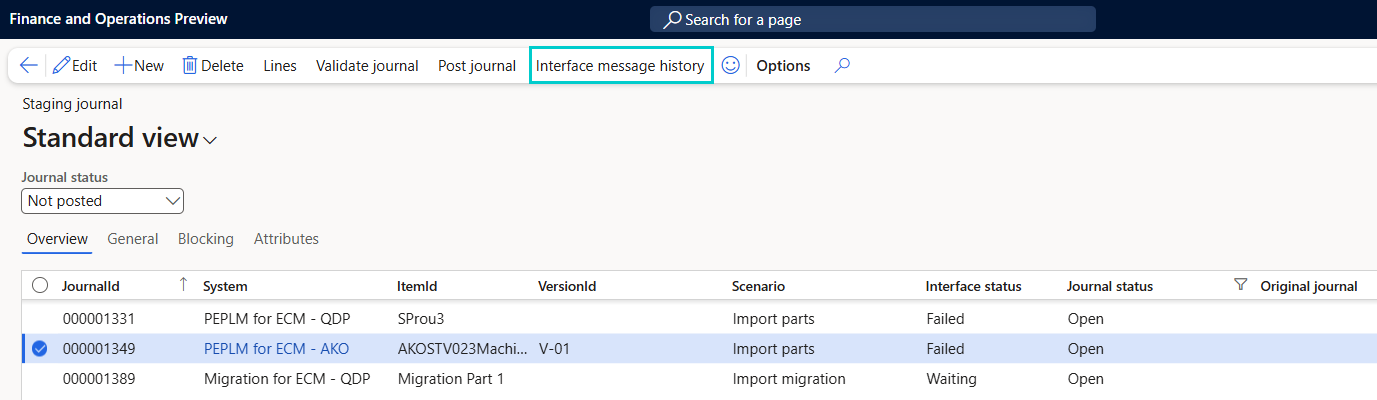
Review the logged entries.
Was this article helpful?