Use this task to create a new PLM journal line for the selected staging journal.
Steps
Go to Modules > Engineering change management > Periodic > PLM Integration > Staging journal.
Select the staging journal that you want to review.
Select Lines.
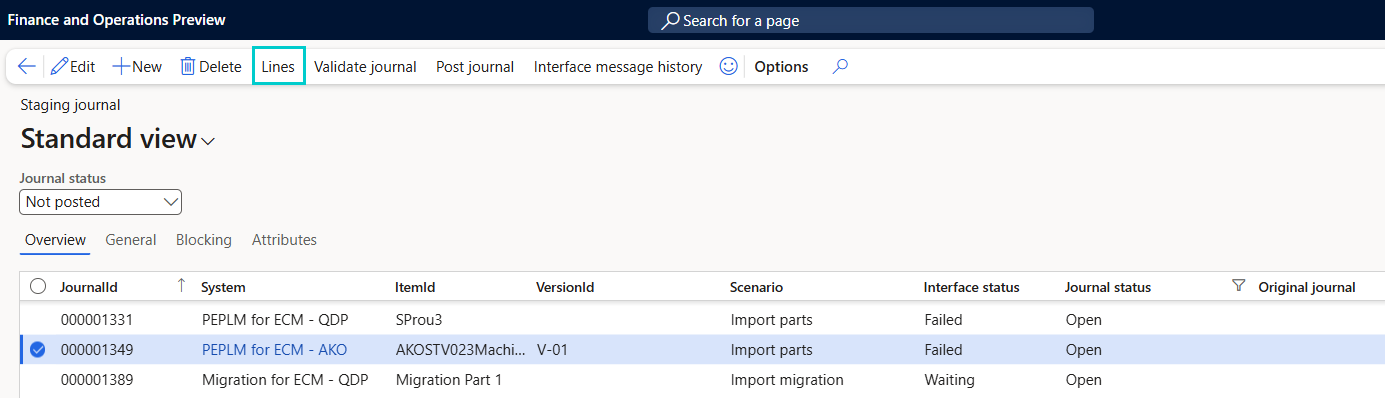
The PLM Journal Lines page opens and shows item-level records for the selected staging journal.
Select +New.
Enter the required item details.
Select Save.