You can install T4EA GS. You need this step to complete the Siemens Teamcenter T4EA installation.
Steps
Go to 'C:\Apps\PLM\T4X'.
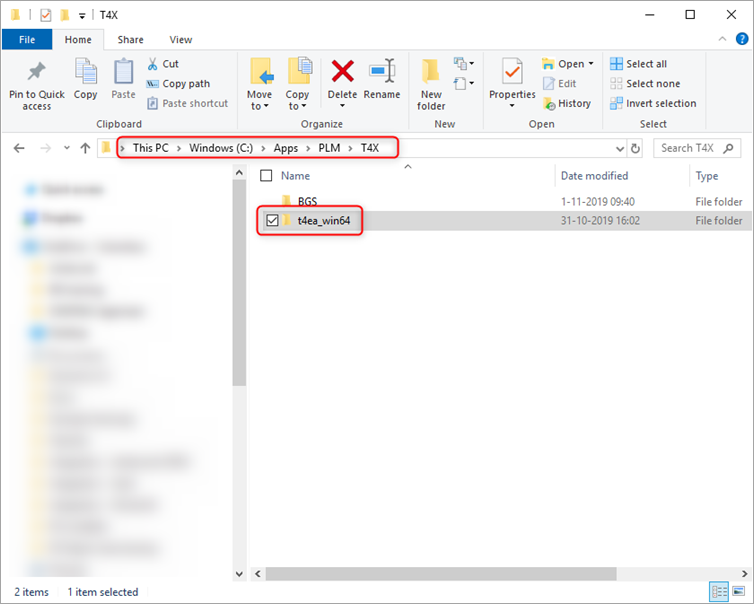
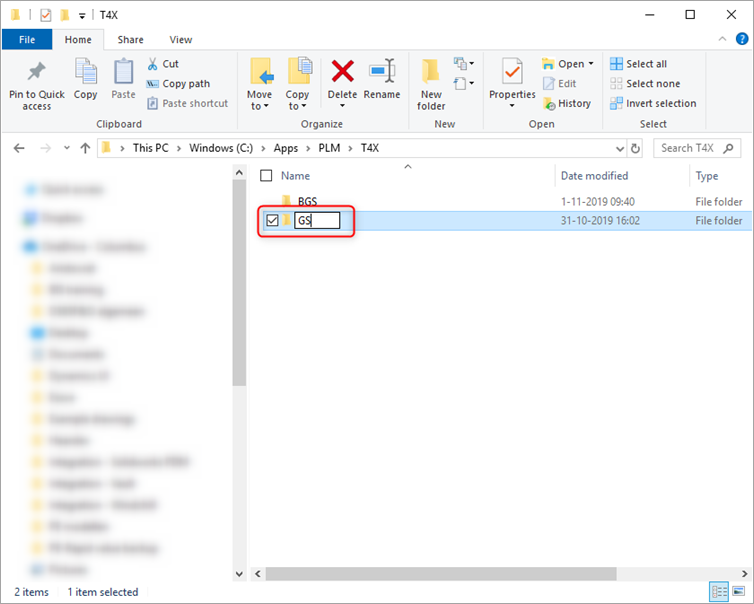
Rename the folder 't4ea_win64' to 'GS'.
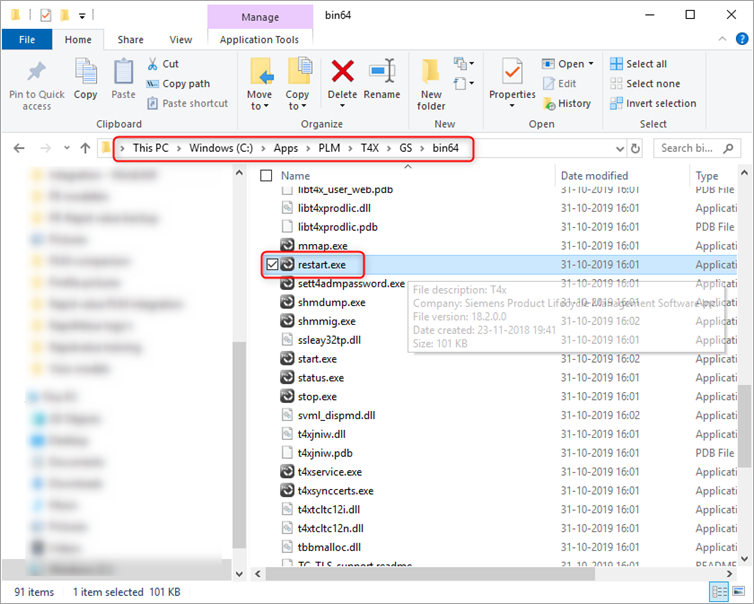
Go to 'C:\Apps\PLM\T4X\GS\bin64' > run restart.exe.
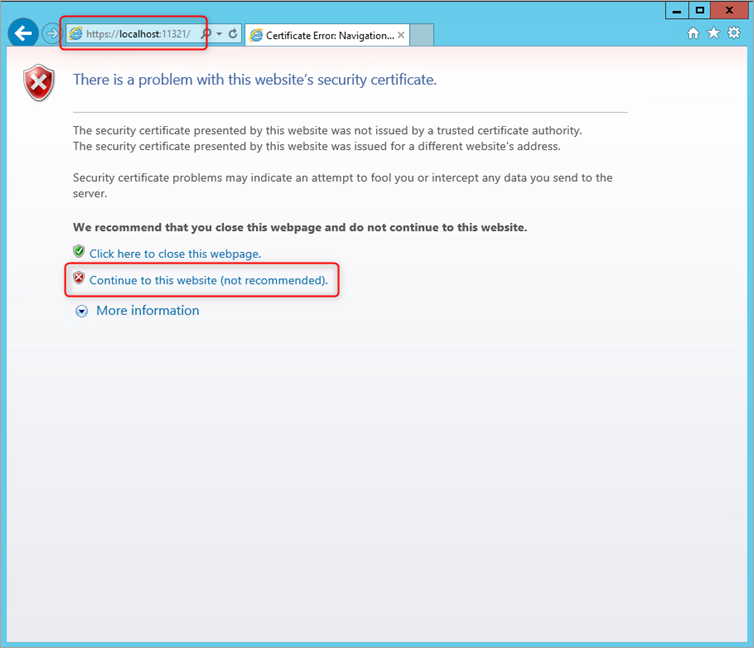
In your browser, go to https://localhost:11321. Optionally, click Continue to this website (not recommended).
Note
This issue only happens the first time you log in, due to the unofficial certificate. Later, use your organization's certificate instead.
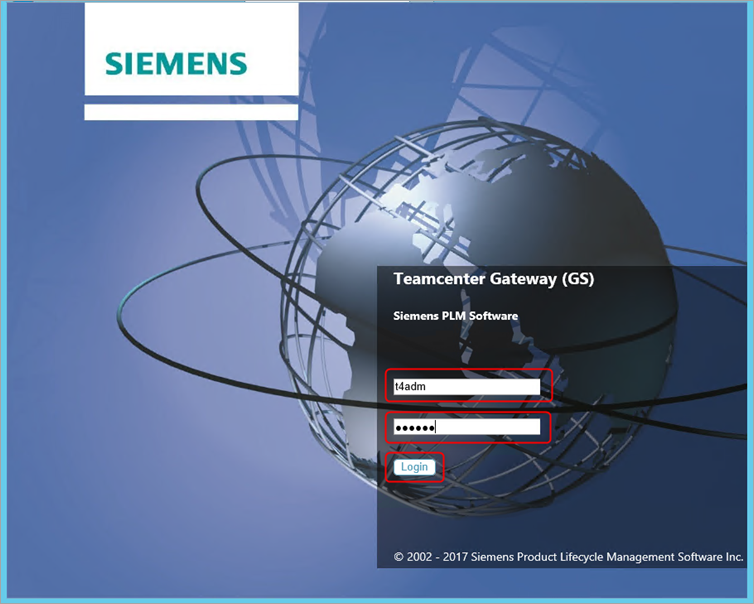
Enter 'T4ADM' as the username, enter your password (this example uses YourSecretPassword), and click Login.
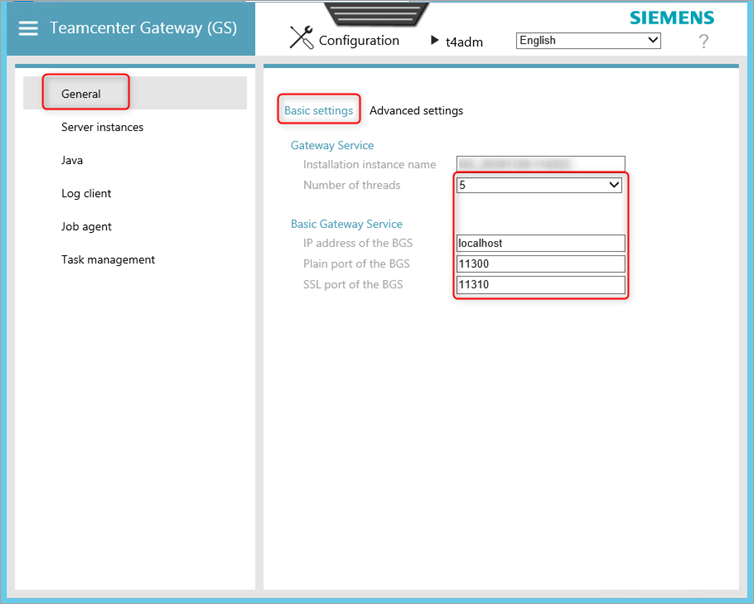
Go to General > Basic settings > fill in the fields as shown.
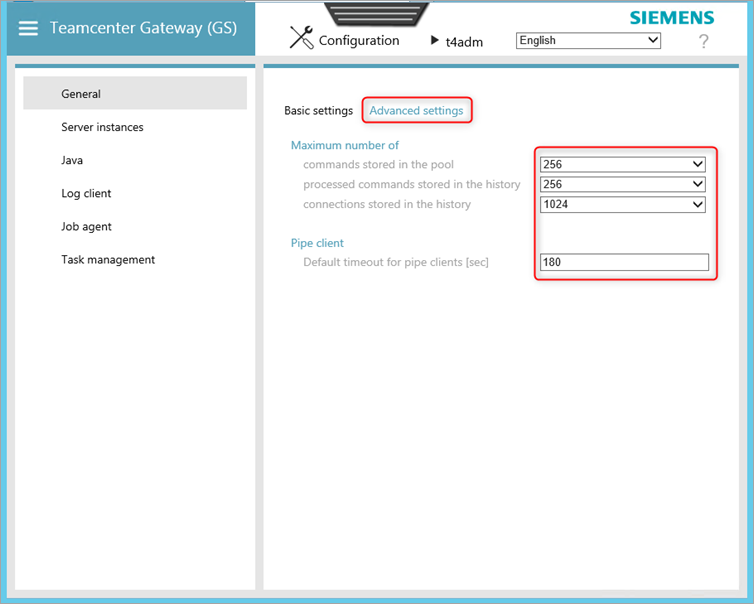
Go to Advanced settings > fill in the fields as shown.
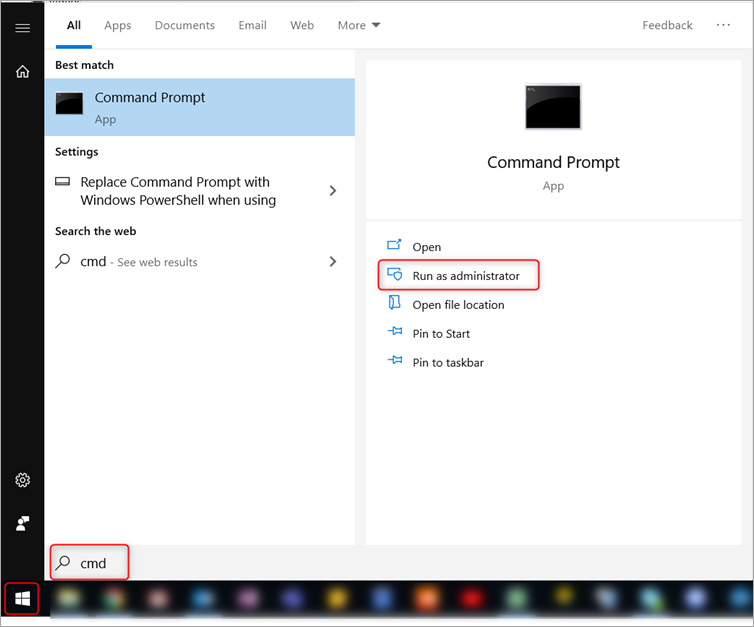
Click Start > in the search bar enter 'cmd' > click Run as administrator.
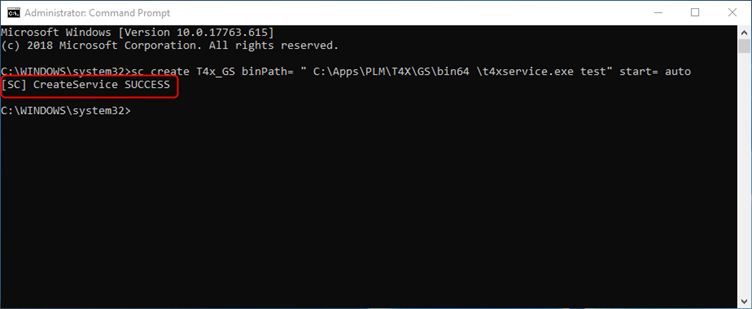
Type sc create T4x_GS binPath= " C:\Apps\PLM\T4X\GS\bin64 \t4xservice.exe test" start= auto > press enter
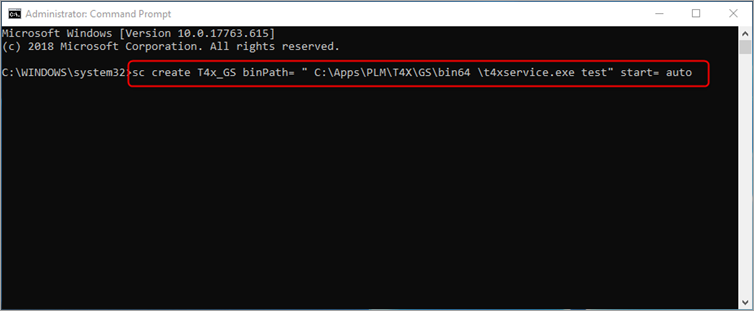
You see a confirmation message.