You can import the To-Increase Teamcenter preferences required for the T4EA integration.
Steps
Ensure the preference file PLM-T4EA deliverable_preferences.xml is available.
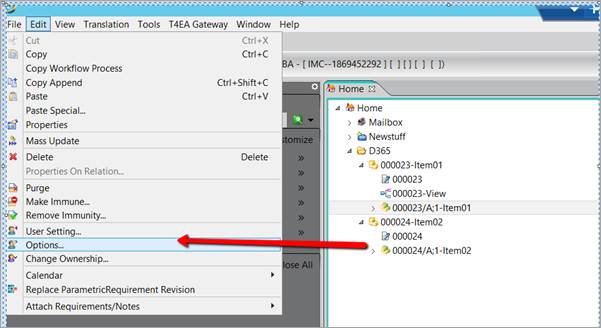
Open Teamcenter and go to Options.
Import the file PLM-T4EA deliverable_preferences.xml.
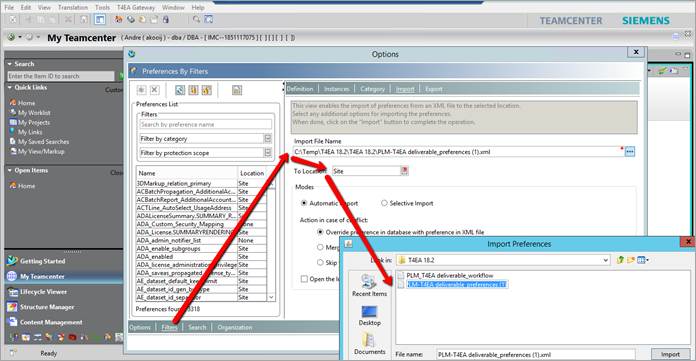
Select Filters.
Click the Import File Name field and select PLM-T4EA deliverable_preferences.xml.
Select Site as the To Location.
After the import, verify the preferences:
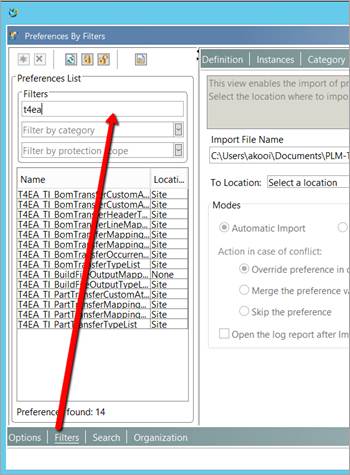
Search for preferences containing the keyword T4EA.
Confirm the preferences are available and active.