You can deploy the T4EA To-Increase mapping files to activate the integration mappings.
Steps
Restart the T4EA BGS and T4EA GS services.
Open a browser and go to: https://localhost:11321
Log in using the T4EA administrator credentials.
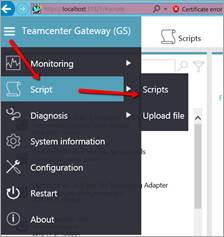
Navigate to: Teamcenter Gateway (GS) → Script → Scripts
Select the script: Generate mapping and mapping deployment.
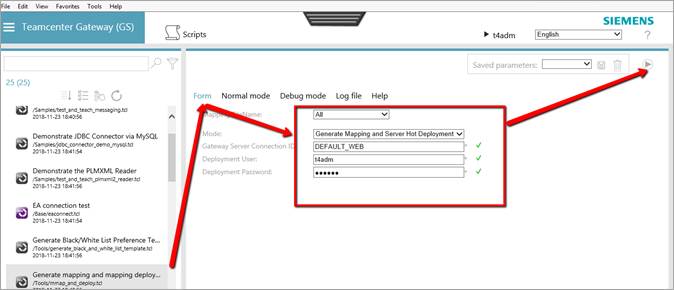
Fill in the required form details and run the script.
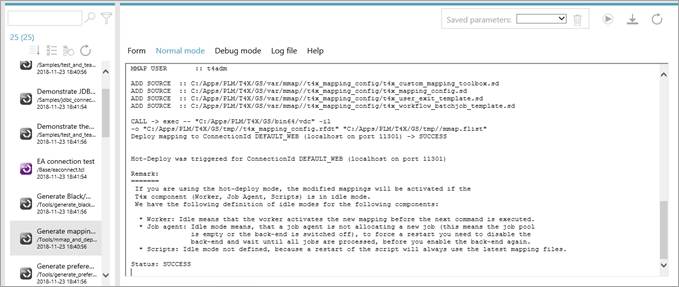
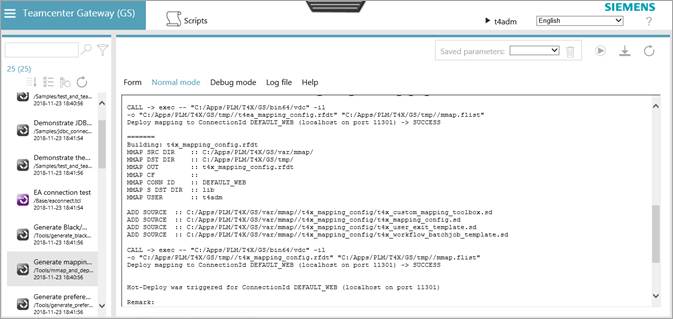
Verify that the script completes successfully without errors.