You can import the To-Increase workflow used to trigger the T4EA export.
Steps
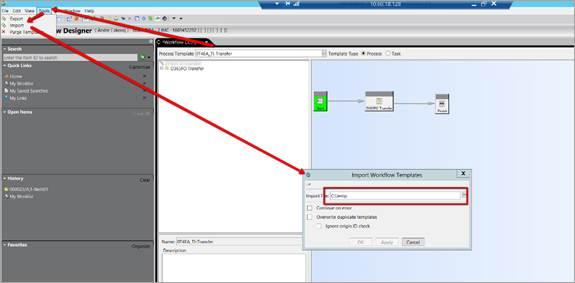
Ensure the workflow file PLM-T4EA deliverable_workflow.xml is available.
Open Workflow Designer in Teamcenter.
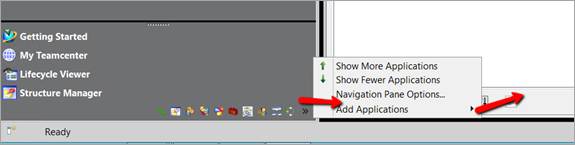
Import the workflow file: PLM-T4EA deliverable_workflow.xml.
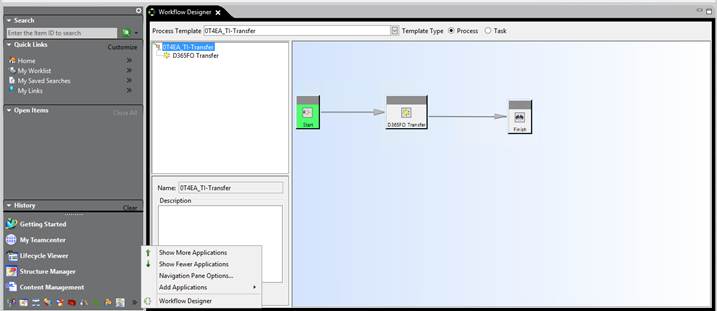
Verify that the workflow imports successfully and appears in the list.
Restart the following services:
T4EA BGS
T4EA GS
You can now start T4EA integration testing.