The PLM Integration in D365 F&SCM operates using a Connectivity studio (Business Integration Solutions (BIS)) project that defines how product data is imported into D365 F&SCM. Before using the PLM Integration, you must import the predefined BIS project provided by STAEDEAN.
Note
This file will be provided as a part of deployable for the PTC windchill integration.
This project includes all required setup elements such as message templates, data entities, and integration flows that enable communication between the PLM environment and D365 F&SCM.
Steps
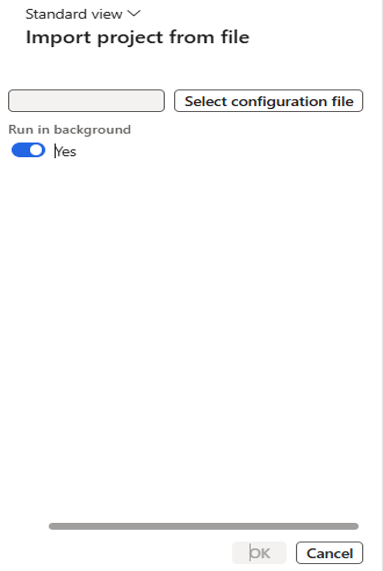
Go to Modules > Engineering Change Management > Periodic > PLM Integration > Import project from file.
Click Select Configuration file field and select the XML file.
Click OK to start the import process.