Use this task to update an existing staging journal, including PLM fields such as System, Item ID, Version ID, and Scenario (Import ECO, Import Parts, Import Release, and Import Migration).
Steps
Go to Modules > Engineering change management > Periodic > PLM Integration > Staging journal.
Select the journal to update.
Select Edit.
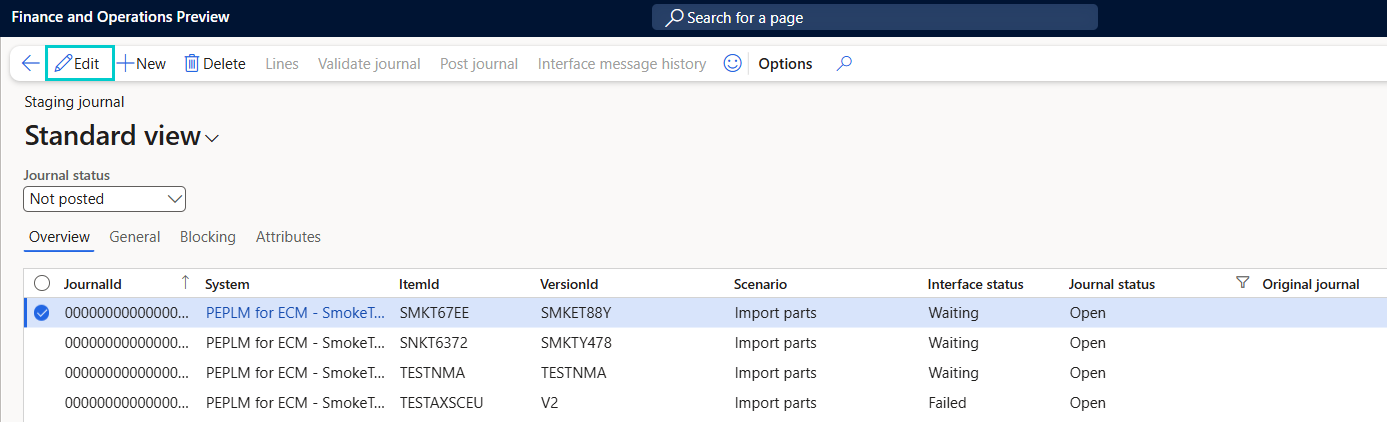
Modify fields as needed, including:
System
Item ID
Version ID
Scenario
Reference / PLM Reference
Review system-assigned fields (read-only):
Interface status
Journal status
6. Select Save.