Use this section to manage engineering attributes at the engineering version level. Attributes received from the PLM system are created, updated, and stored based on the configuration defined here.
Note
You must first create engineering attributes in the Engineering Change Management module before you can use them.
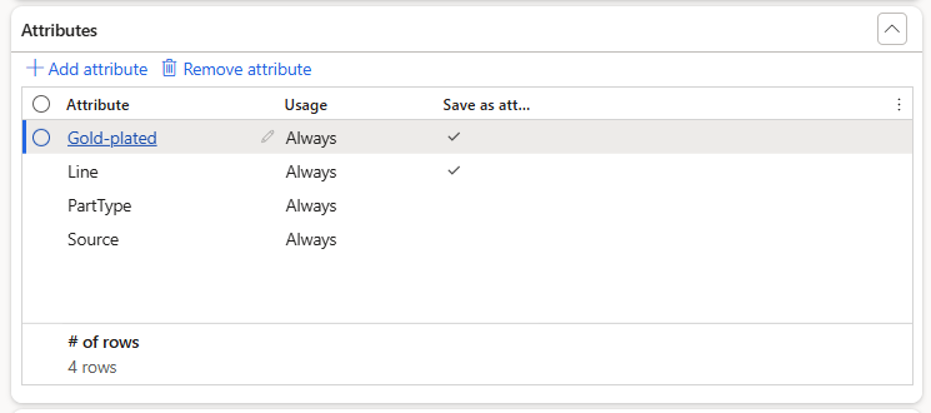
Field | Purpose |
|---|---|
Attribute | Select an engineering attribute defined in D365 F&SCM. The name must exactly match the attribute name in the PLM XML. |
Usage | Defines when the attribute value should be updated.
|
Save as attribute | Determines whether the attribute is stored on the engineering version level. This is only applicable when the attribute is also configured in the related engineering category details. |
Note
To use PLM values for inventory dimensions, first add the attributes that carry these values here, for example InventSite, InventLocation or wmsLocation. You can then select them on the Inventory dimension mapping tab. For more information, see Configure Attribute Mapping.
Actions
Action | Description |
|---|---|
Add attribute | Adds a new attribute and defines its parameters. |
Remove attribute | Removes the selected attribute from the PLM system configuration. |