When alternative connectors (Azure Blob, SharePoint, or Web Service) are used, the source document handler must be updated to a compatible version that supports the chosen connector type.
Steps
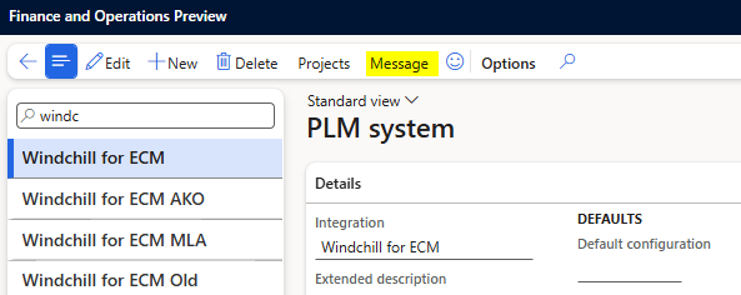
Go to Modules > Engineering Change Management > Setup > PLM Integration > PLM Systems.
Select the relevant PLM system and choose Message.
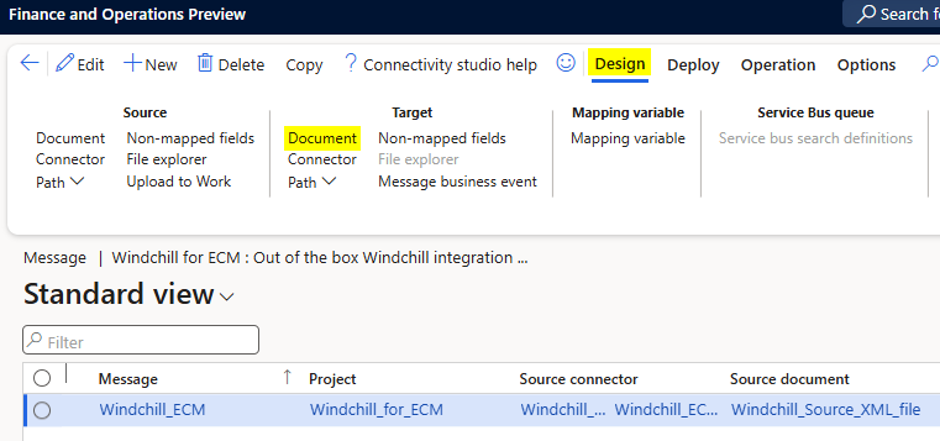
Select the Document in Target group under the Design tab.
A new document page opens. Click Header tab.
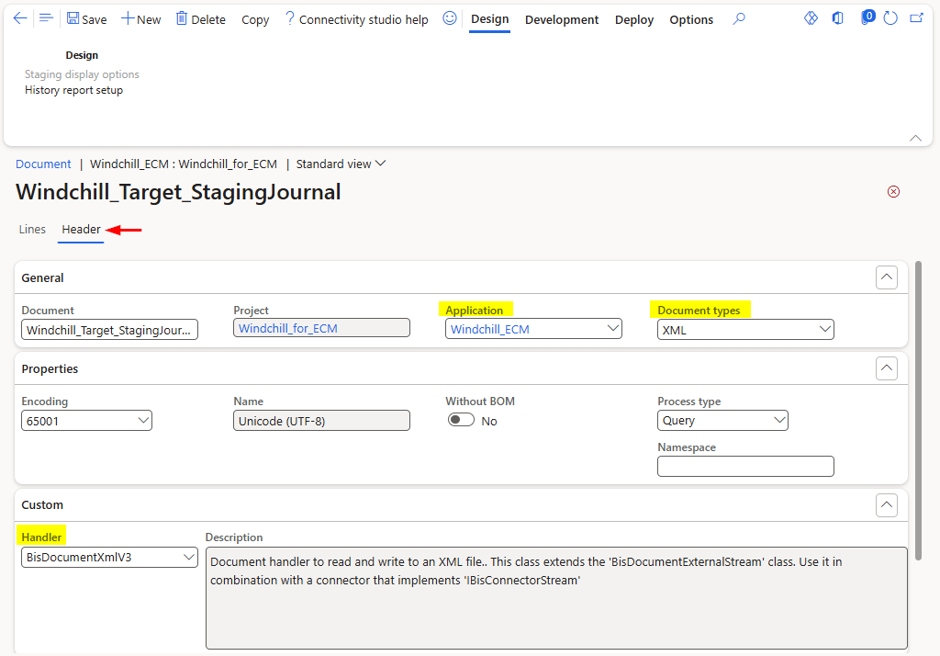
In the Application field, select your PLM system.
Click on the Document types field and select the file name.
In the Handler drop-down list, select BisWsServerHandlerV3. This handler processes incoming web service requests in D365 F&SCM.
Click Save.