Use the File Writer endpoint to create external files with data from Microsoft Dynamics 365 Business Central.
Steps
Create an export connection and insert the element FILEWRITER.
On the elements line, select Edit.
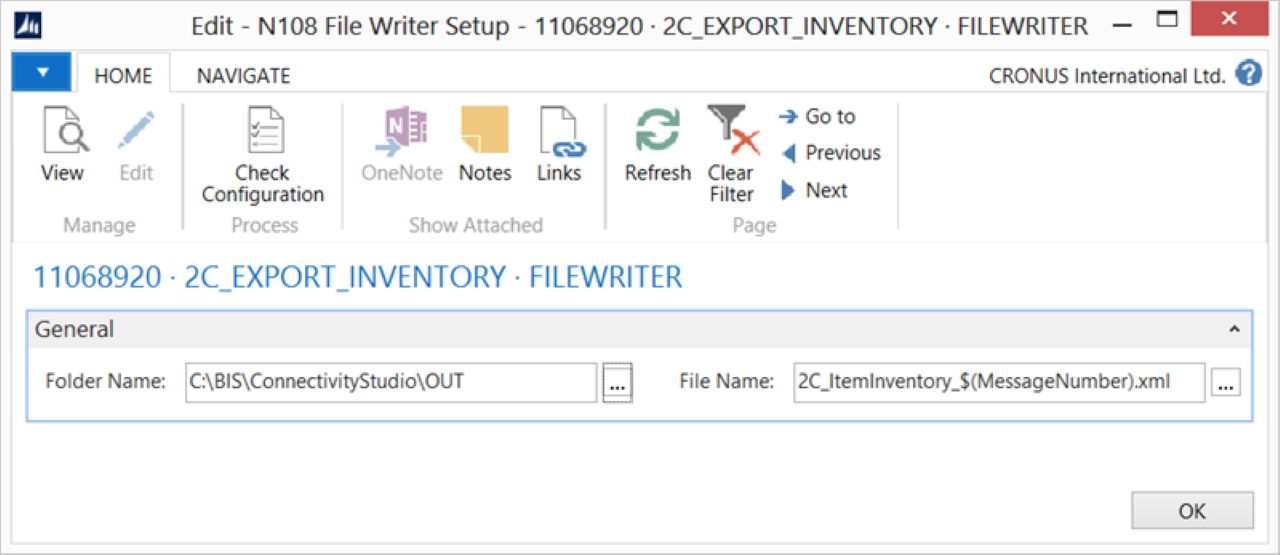
On the File Writer Setup page, fill in the following fields:
Field
Description
Folder Name
Specify the network location where you want to write the files. Ensure the D365 BC server user has sufficient permissions for the shared folder.
File Name
Specify a file name format. The file name format can be a mix of static and dynamic content. Set the extension manually.
Overwrite
When selected and the file name is always the same, the destination file is overwritten each time.
Select Check Configuration to see if there are Anywhere Mobility Solutions configuration errors.
Select OK.