API Key setup provides an interface to connect to external environments with full access.
The following example uses Azure as the reference environment. Before using this feature, an Azure File Storage account must be available. For a brief guide, see Azure Storage account setup.
Setup page
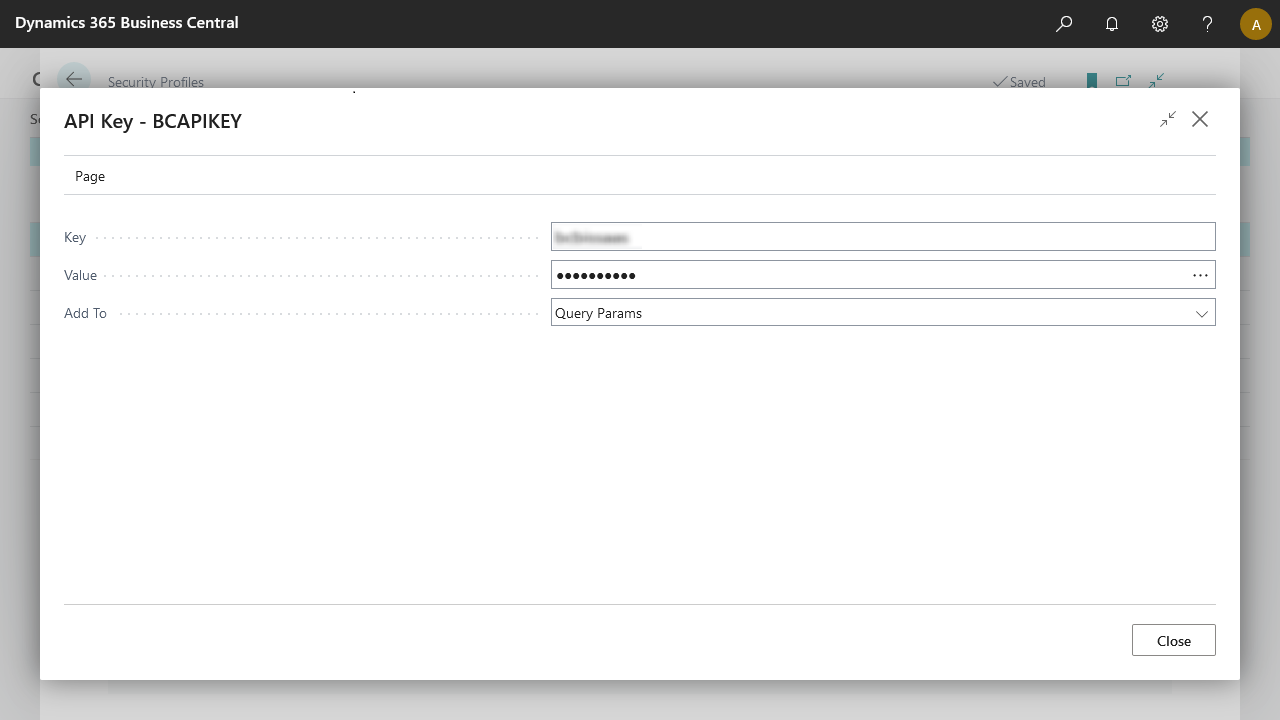
Field | Description |
|---|---|
Key | The key identifier or name of the API key. Retrieve this from the API's documentation. |
Value | The storage key used to access the directory. This setting does not export when you export the connection. |
Add To | Choose Query params or Header based on your requirement. |
Note
Query parameters pass information to an API in a flexible and simple manner. They add to the end of the API endpoint URL as key-value pairs. For example:
https://www.example.com/api/items?sort=asc&category=books. Here,sortandcategoryare query parameters specifying the desired sorting order and category.Headers provide additional information about the API request and response, such as the request method, content type, authentication information, and other metadata. Headers include in the HTTP request and response messages.