An OAuth 2.0 security profile lets the user connect to an external system using an OAuth 2.0 access token.
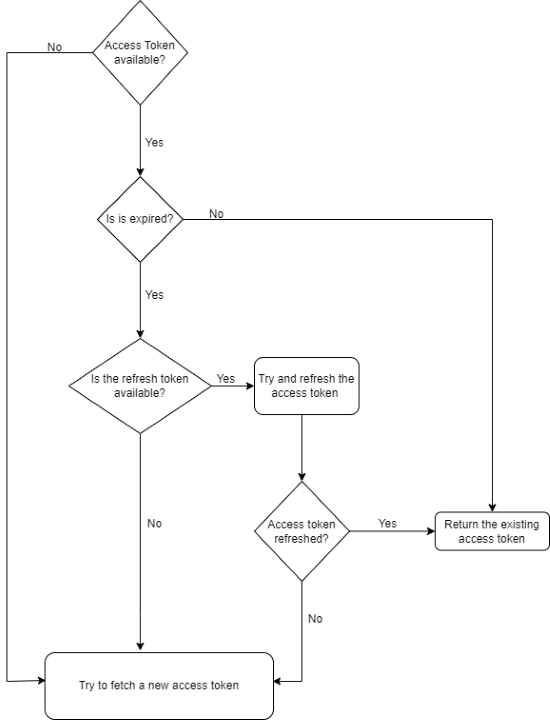
Setup page
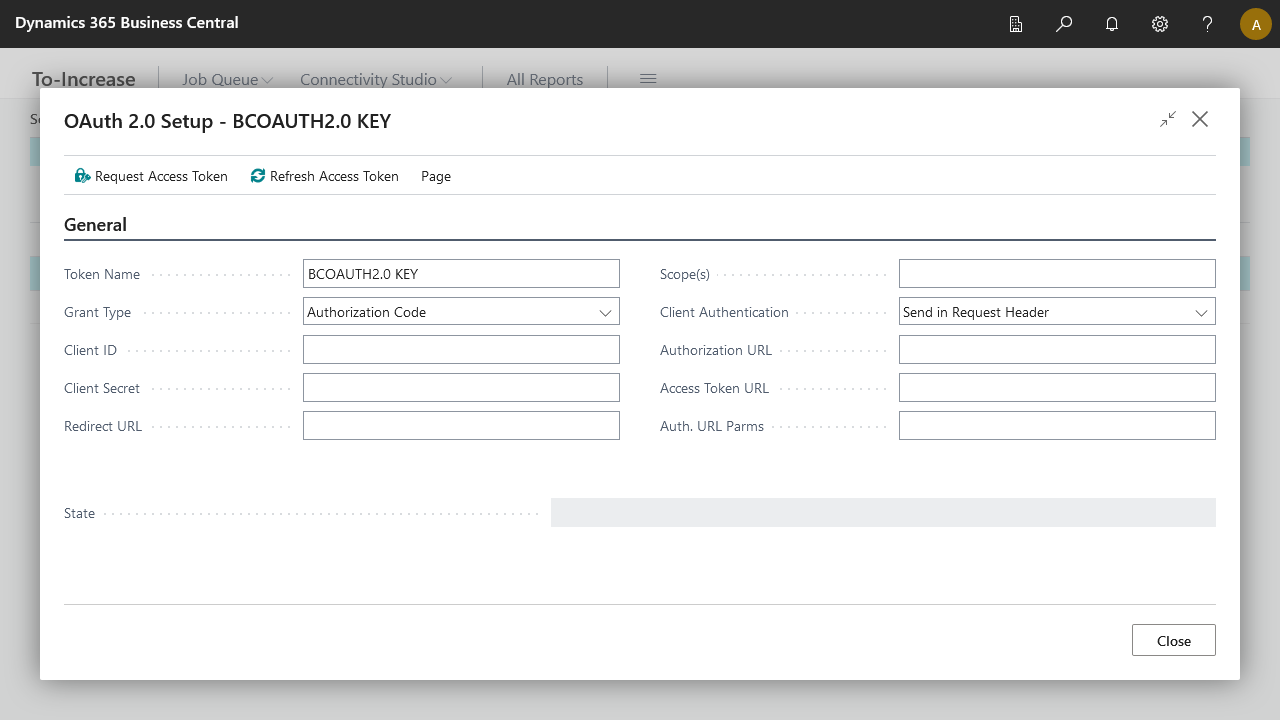
Field | Description |
|---|---|
Token Name | Unique value to identify the setup. |
Grant Type | Method used to retrieve an access token. |
Client ID | Value from the external app setup. |
Client Secret | Value from the external app setup. |
Redirect URL | Redirect URL where the authorization code forwards. |
Scope(s) | Scope values to include in the authorization code call. |
Client Authentication | Indicates where the authentication value sends. |
Authorization URL | External app endpoint authorization URL. |
Access Token URL | External app endpoint access token URL. |
Auth. URL Params | Extra parameters to include in the URL when retrieving the authorization code. Applicable only for grant type Authorization Code. |
State | Non-editable field displaying the connection status of your token. Values: Default (empty), Connected (successful access token retrieved), and Error (any failure when fetching a token). |
Grant type
Authorization Code: Retrieves an access token by first retrieving an authorization code, which requires user input.
Password Credentials: Retrieves an access token directly using a username and password combination.
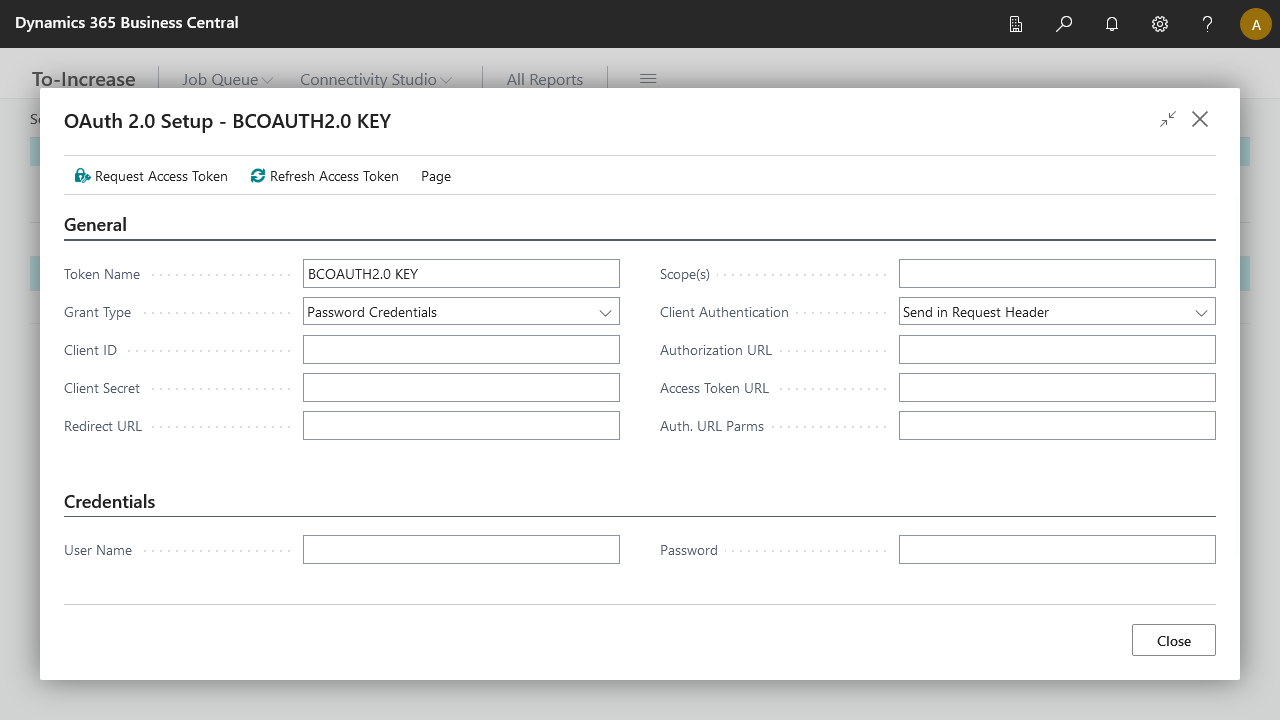
Client Credentials: Retrieves an access token directly using a client ID and client secret combination.
Useful links
Azure:https://learn.microsoft.com/en-us/entra/identity-platform/v2-oauth2-auth-code-flow
Google:https://developers.google.com/identity/protocols/oauth2
Dropbox:https://developers.dropbox.com/oauth-guide
LinkedIn:https://learn.microsoft.com/en-us/linkedin/shared/authentication/authentication
Note
When a platform identification is required, use "web" or "web client" as the platform. Due to the variety of providers, STAEDEAN does not support setup issues when connecting to these parties. If issues arise, provide a functional Postman request that works.