You can download the required installation files for T4EA from the Siemens download portal.
Steps
Go to https://download.industrysoftware.automation.siemens.com
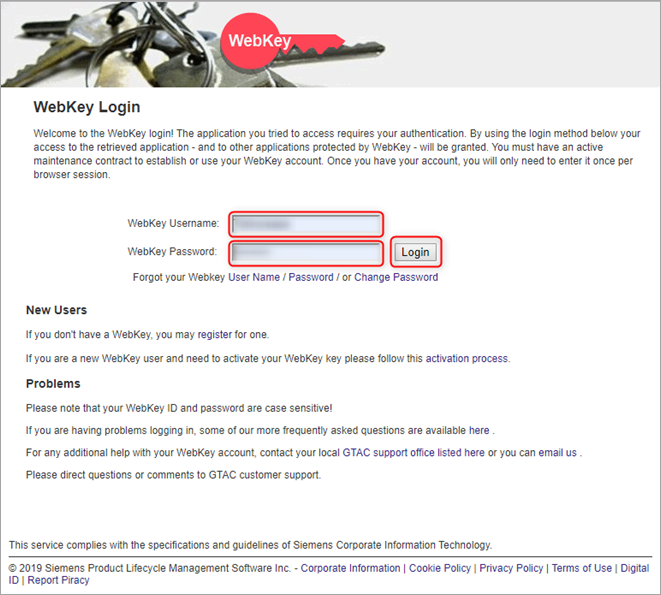
Log in with your webkey. If you do not have a webkey, follow the instructions from Siemens.
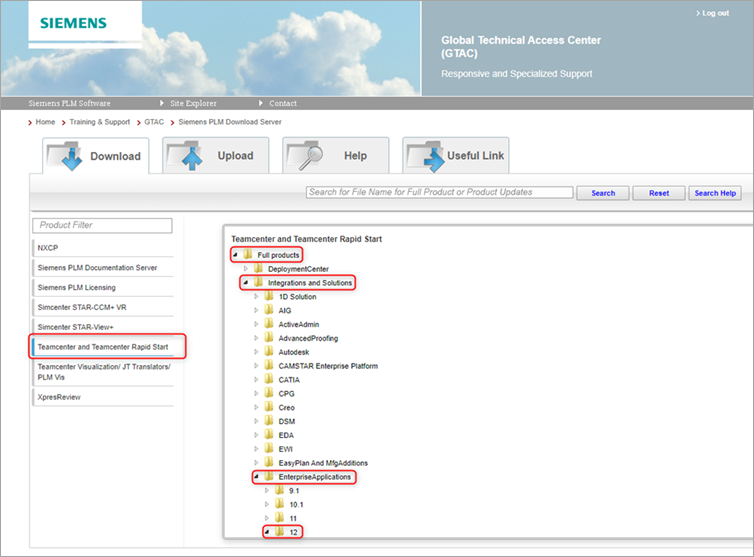
Go to Teamcenter and Teamcenter Rapid Start > Full products > Integrations and Solutions > EnterpriseApplications > 12.
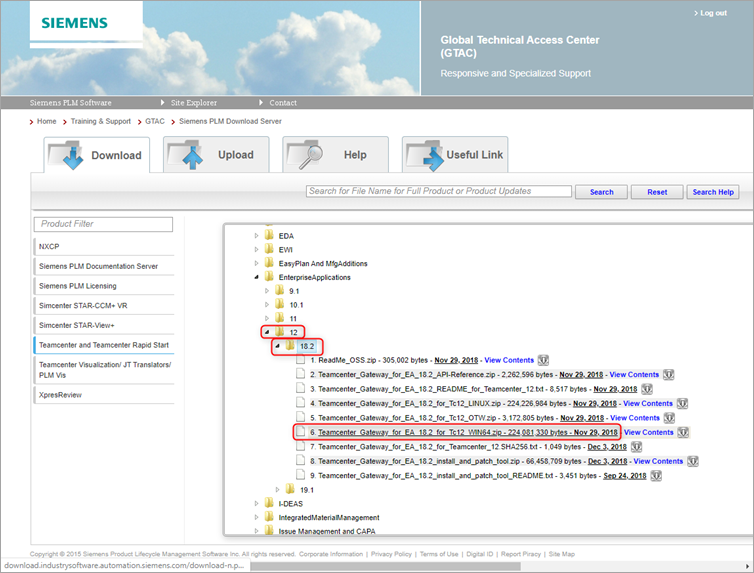
Continue to 12 > 18.2, then click Teamcenter_Gateway_for_EA18.2_for_Tc12_WIN64.zip.
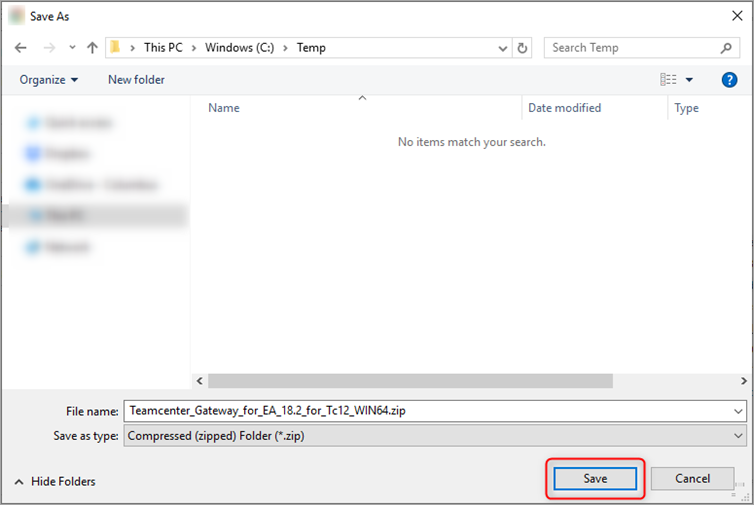
Click Save. This example saves the file in C:\Temp. If possible, download directly onto the Siemens Teamcenter application server. Otherwise, move the files to the application server after downloading.