Steps
Browse to the files sent by STAEDEAN. Select all the files, right-click, and click Copy.
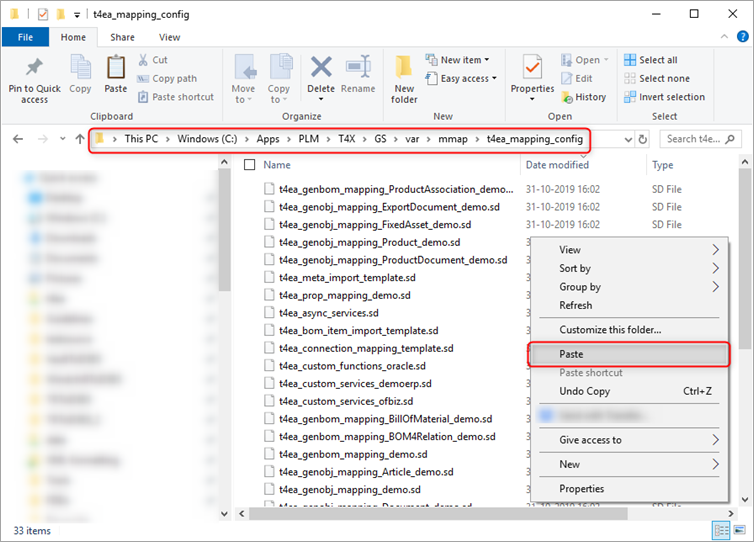
Go to [GSRoot]\var\mmap\t4ea_mapping_config and paste all the files.
Note
This example uses C:\Apps\PLM\T4X\GS\ as [GSRoot]. If prompted to replace a file in the destination, first check whether the original files contain customizations. T4EA may already have customizations if you use it for other integrations. If the files are customized, consult your Siemens partner on how to proceed.