You can complete the tasks of a change notice. This tells the workflow that you applied the required changes and they're ready for review.
Note
The steps and user interface can differ in your version of PTC Windchill. This topic describes the manual procedure. For other ways to send change notices, consult your PTC Windchill partner.
Steps
Log in to PTC Windchill.
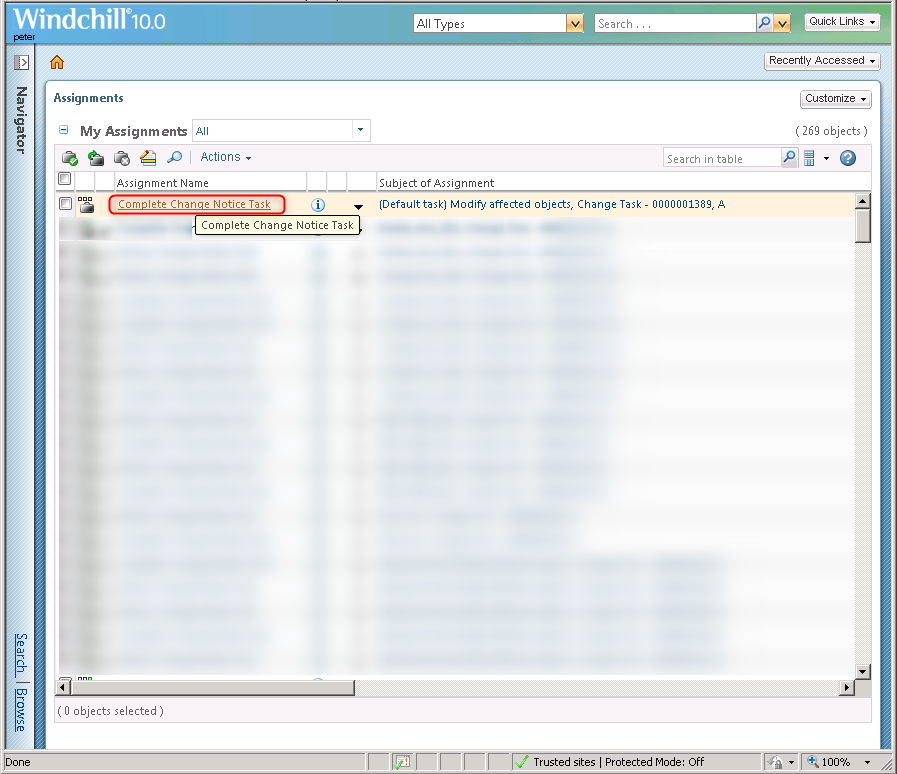
Go to My Assignments > click the name of the selected assignment.
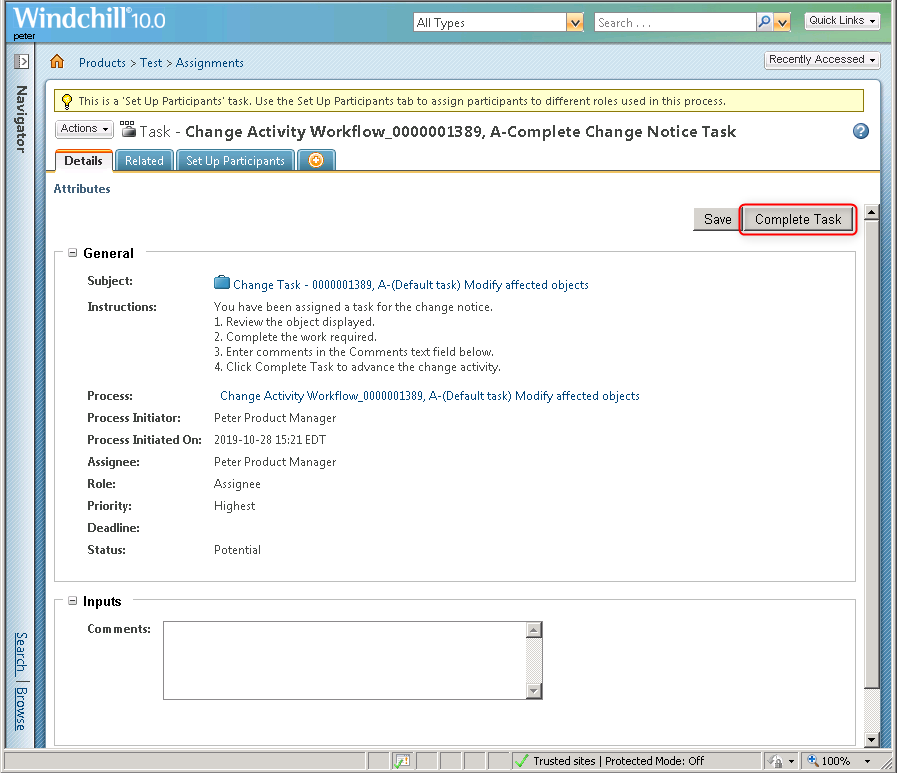
Click Complete Task.
Note
Before you click Complete Task, apply the required engineering changes. This topic doesn't cover how to change the part based on the change notice.