For the Rental Mobile Operations - Field Service app, as a field service engineer, you can view the default company and warehouse to which you are assigned.
Steps
On the home page, on the site map, tap the Area.
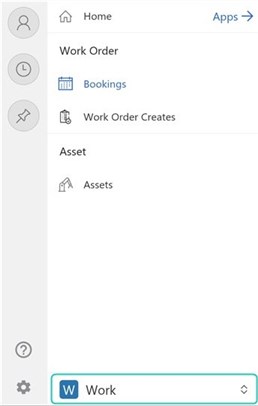
Note
The Field Service app has two areas: Work and Settings. By default, the Work area is shown.
Tap Settings.
Tap Company Setup.
View to which default company and warehouse you are assigned.