The warehouse movement is stored in the Warehouse Journal Line table.
The Alternate Quantity field is available on the line.
If the scanned container number is not found in the journal, you can add a new container with content to the physical journal.
If a container number is not found, the flow directs you to the list of remaining items to count. Select the line from this list.
All necessary information is copied from the existing line into a new line and updated with the container number and quantities.
The existing entry is updated with the remaining quantity (current quantity minus the newly counted quantity on the new line).
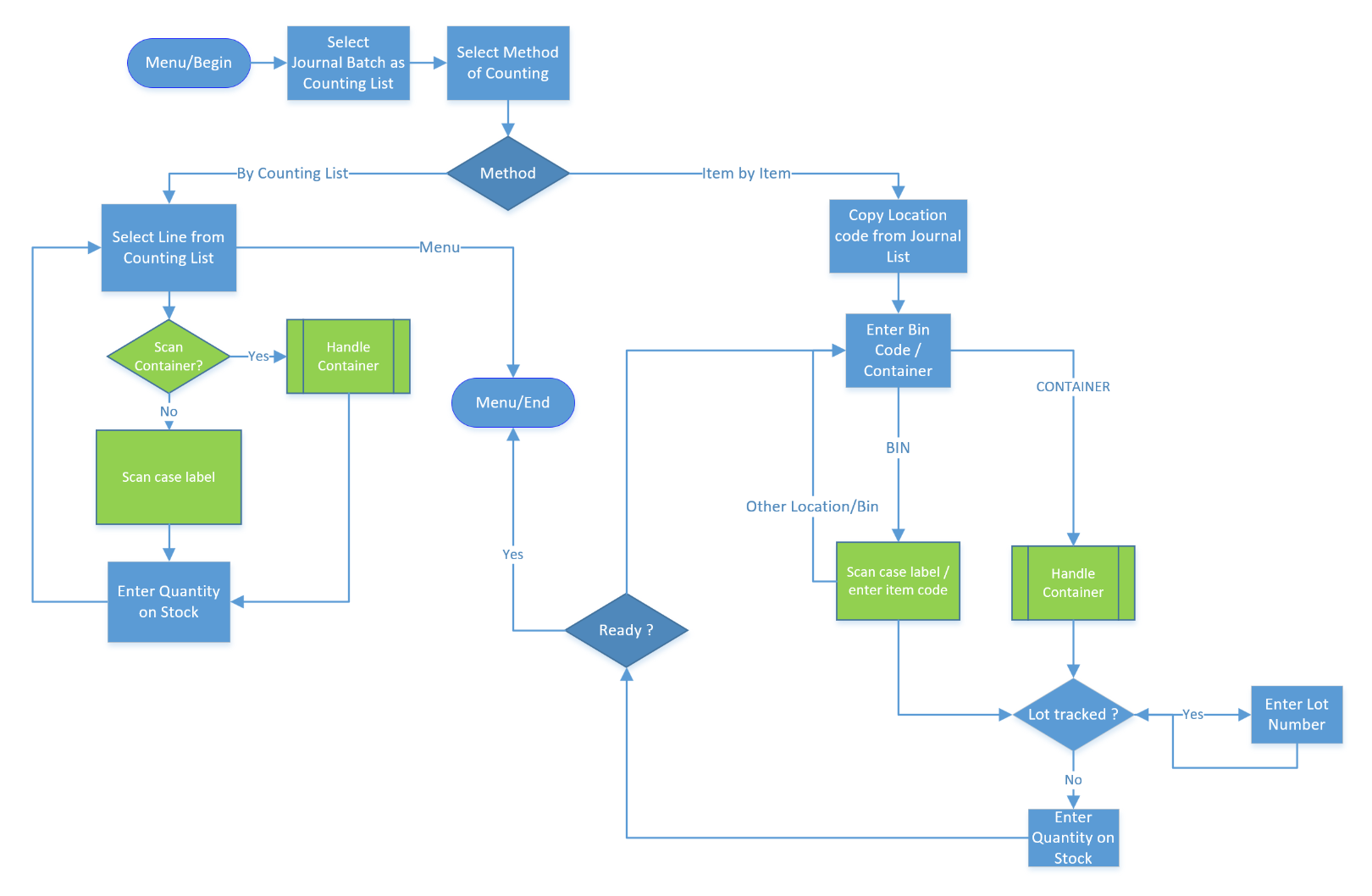
The * in some of the boxes indicates that a connection or update is made to Microsoft Dynamics 365 Business Central.
Anywhere Mobility Solutions non-barcode prompt can be skipped when the information was taken from a barcode: Blue.