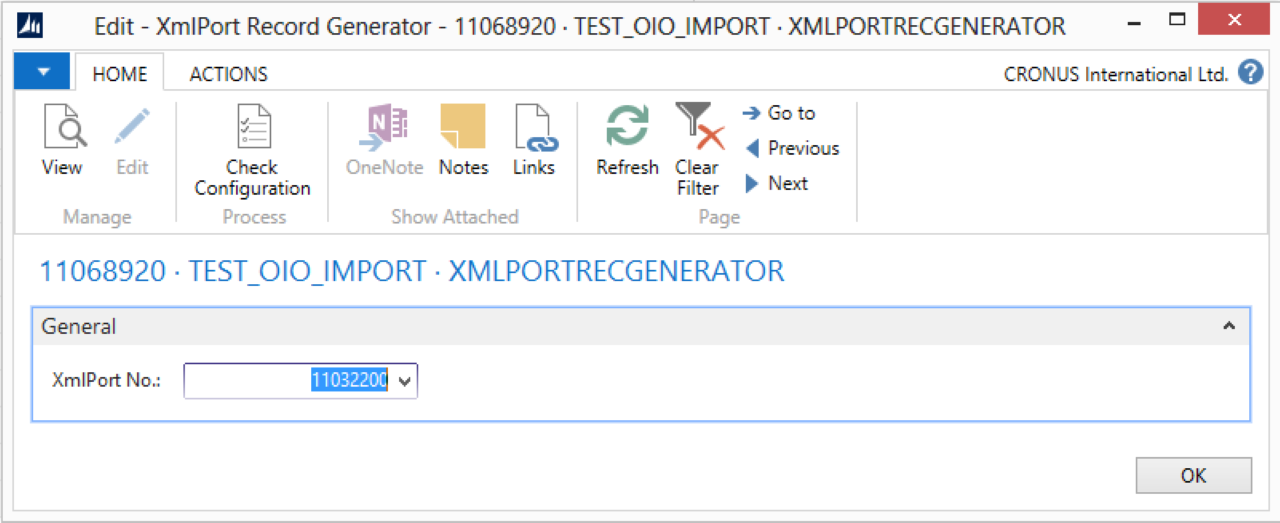
Use the XMLPort Record Generator activity to import data from a file into the D365 BC database using an XMLPort.
Steps
Create a connection and insert the element XMLPORTRECGENERATOR.
On the elements line, select Edit.
On the XML Port Record Generator Setup page, fill in the following fields:
Select Check Configuration to see if there are Anywhere Mobility Solutions configuration errors.
Select OK.
Settings
Field | Description |
|---|---|
XMLPort No. | Specify the D365 BC XML port. |