Use the Record Generator activity to generate records in D365 BC in an import connection.
Steps
Create a connection and insert the element RECORDGENERATOR.
On the elements line, select Edit.
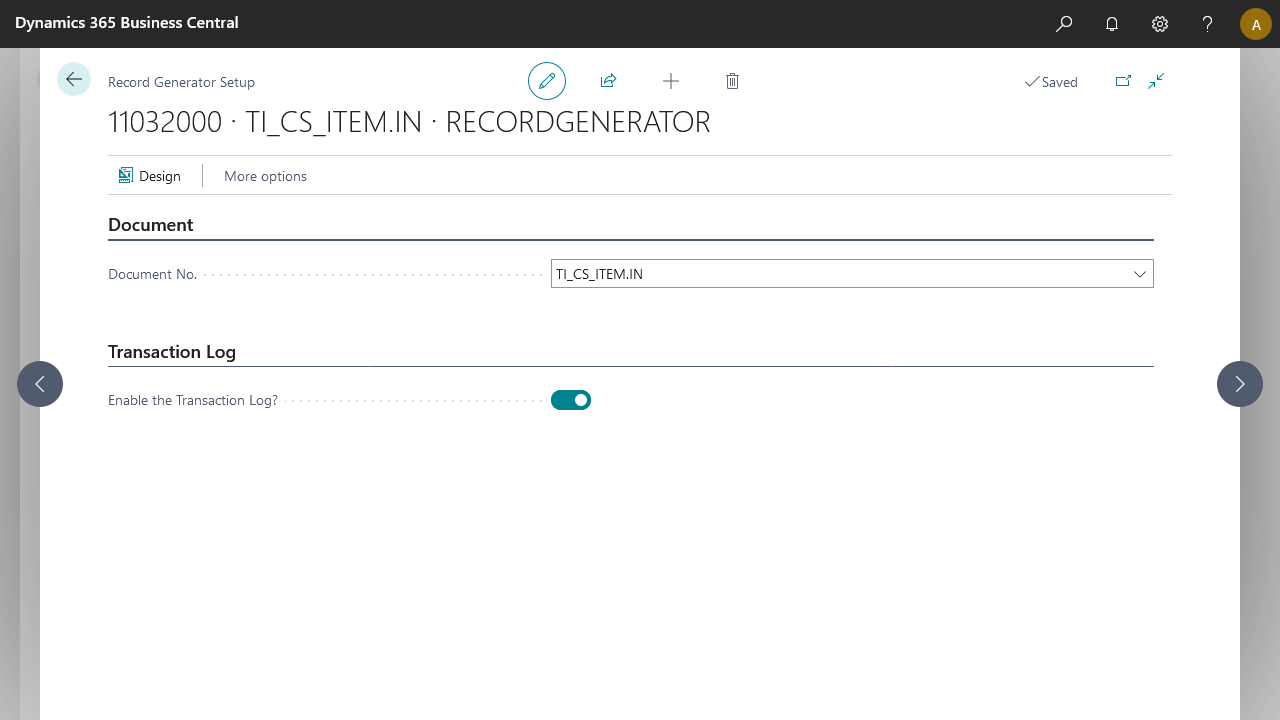
On the Record Generator Setup page, fill in the following fields:
Field
Description
Document No.
Select the internal document on which the record generation is based.
Enable the Transaction Log?
When selected, the transaction log is enabled, which is helpful for testing and debugging.
Select OK.
Optional features
Feature | Documentation |
|---|---|
Record Handler V2 | For more information, see RecordGeneratorRelationsV2 |