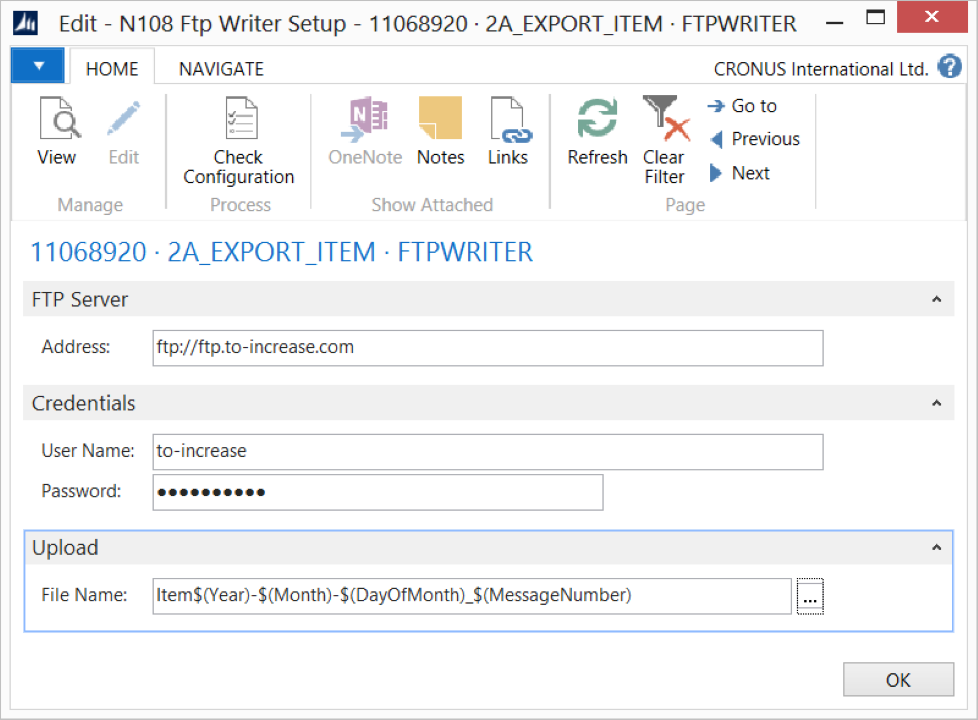
Use the FTP Writer endpoint to export Microsoft Dynamics 365 Business Central data to an FTP server.
Steps
Create an export connection and insert the element FTPWRITER.
On the elements line, select Edit.
On the FTP Writer Setup page, fill in the following fields:
Field
Description
Address
Specify the FTP server location.
User Name
Specify the user credentials.
Password
Specify the user credentials.
File Name
Specify a file name format. You can add a string value to the file name to generate a unique name for each file, for example, date and time values, a message number, and/or a field value such as the related sales order number.
Select Check Configuration to see if there are Anywhere Mobility Solutions configuration errors.
Select OK.