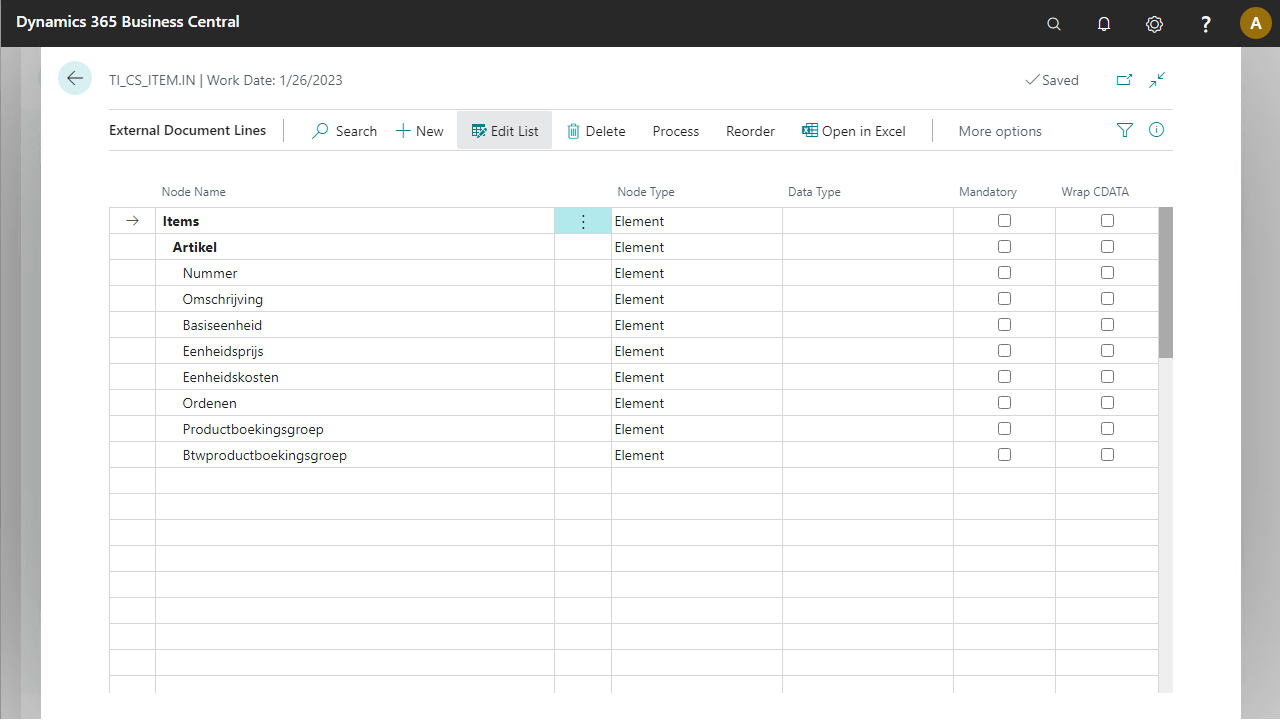
Use this task when you want to describe an external document to be mapped on an internal document.
Steps
Go to the documents list page. Depending on the solution:
For Connectivity Studio: go to Departments > Business Integration Solutions > Connectivity Studio > Design > Documents.
For Notification Management: go to Departments > Business Integration Solutions > Notification Management > Design > Documents.
For Replication Management: go to Departments > Business Integration Solutions > Replication Management > Publications > Design > Documents for publications, or Subscriptions > Design > Documents for subscriptions.
For EDI Studio: go to Departments > Business Integration Solutions > EDI Studio > Design > Documents.
Select New.
Select type as External and provide a document number and description.
Select the Design button to open the setup page.
Set up the external document by typing your table structure manually.
A new external document structure is created and added to the document list page.
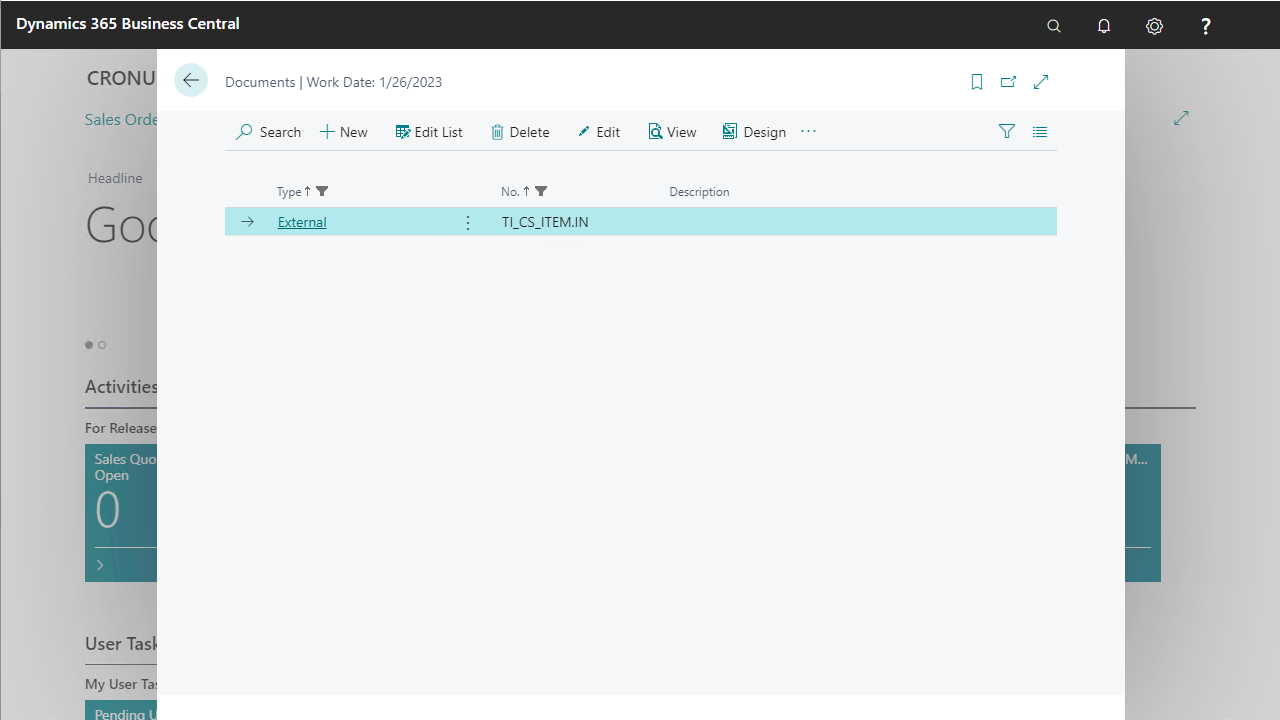
From this list page, you can view more details about a document using its design page.