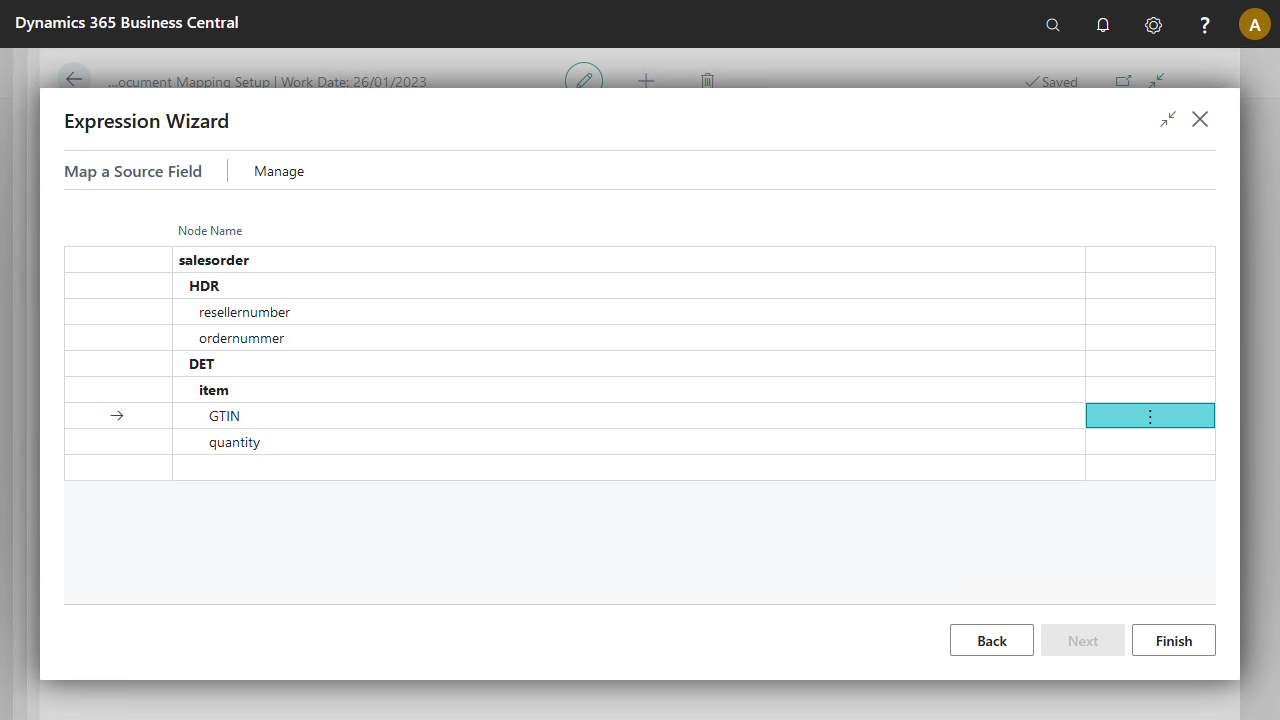
When you map a source document field to a target document field, the values transfer as they are.
Usage
Use field-to-field mapping when you want to import or export values exactly as the source document submits them.
Note
When the submitted data is an integer, decimal, string, or Boolean value, you can perform calculations with the data. Standard operations such as +, -, /, *, =, >, <, =>, =< are supported.
Concept
A source document and a target document are required to set up a mapping activity. On the Mapping Lines page, you can map a field from the source document for each target document field. After mapping, the target field contains the same value as the source field. The Expression Wizard provides a convenient way for field-to-field mapping via the option Map a Source Field.