Carry out the following steps on your PC or mobile device:
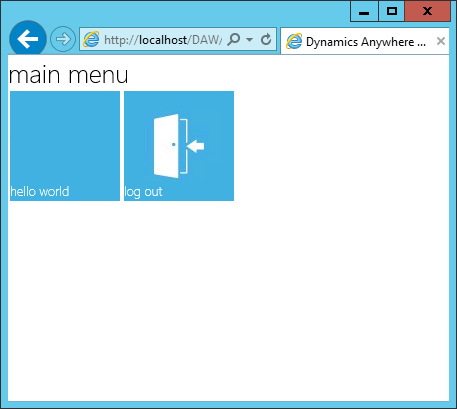
Open your browser, or use IIS Manager's Actions pane on the right and select Browse.
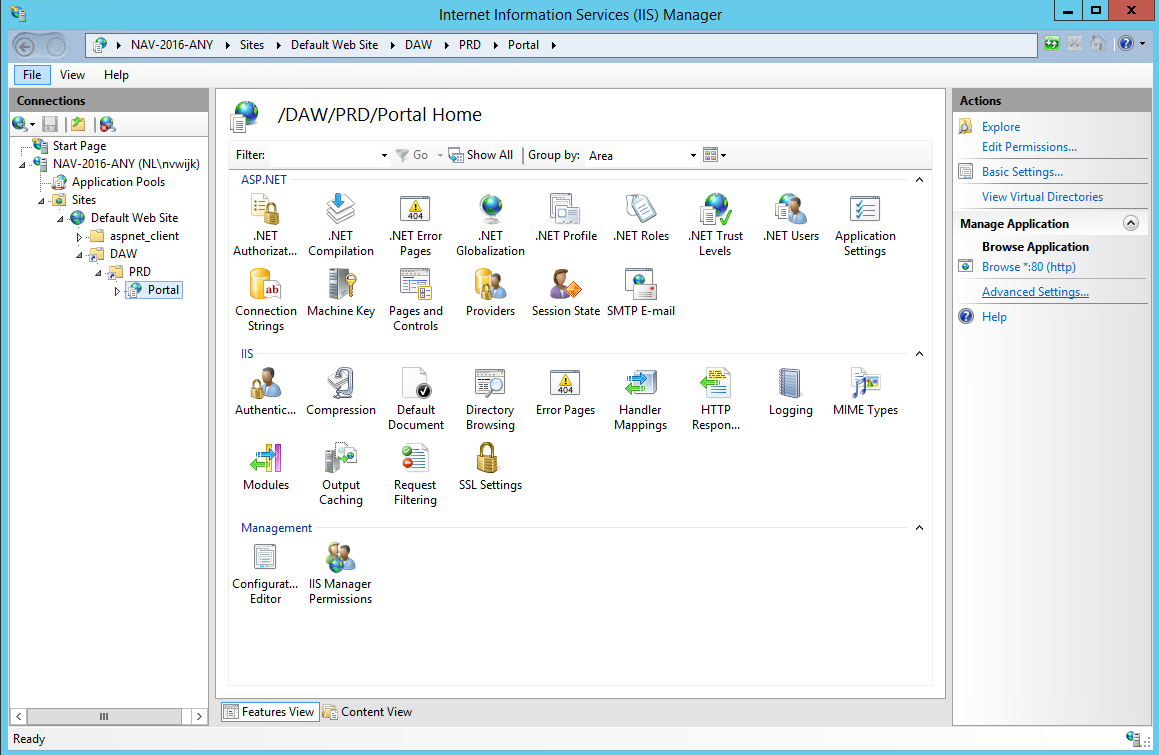
Navigate to your Anywhere Portal web location (
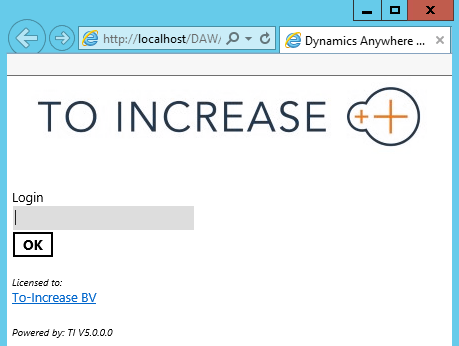
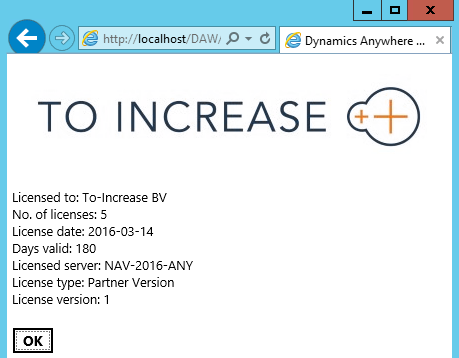
http://localhost/DAW/PRD/Portal/default.aspx).Log in with your username, or username and password.
Note
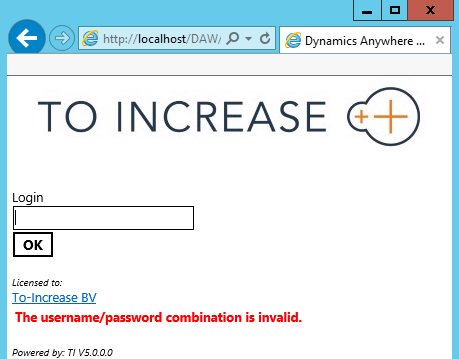
If no user exists in D365 BC, the following message appears, it indicates the Anywhere Portal connected to the Framework inside D365 BC but found no corresponding mobile user: "The username/password combination is invalid."