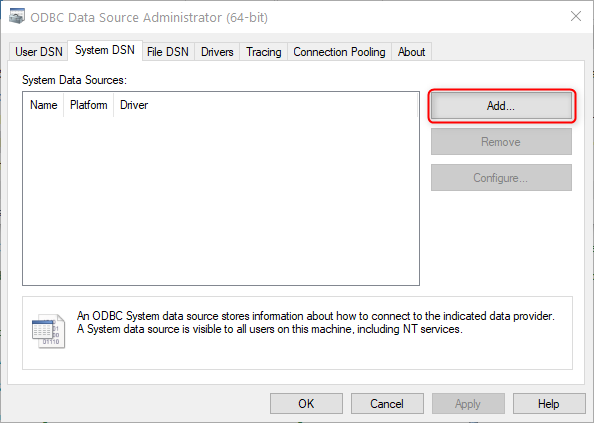
Create a Data Source name (DSN) on the external on-premises server where you installed the BIS Azure Relay Windows service.
Note
If you connect from D365 F&SCM on-premises to an external on-premises server, no Azure Relay is required. In this case, the Data Source Name (DSN) must be created on the D365 F&SCM server.
Steps
In Windows, open the Control Panel.
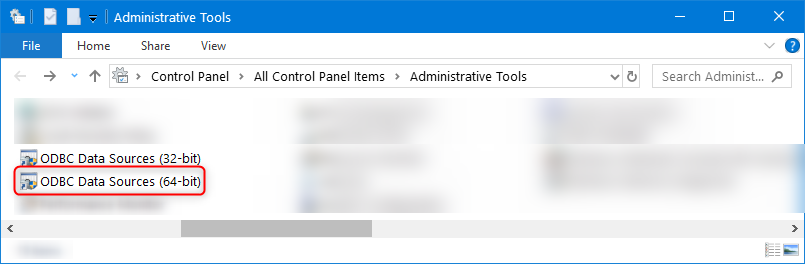
Click Administrative Tools.
Double-click ODBC Data Sources (64-bit).
Add the desired system data source.
On the System DSN tab, click Add, select the desired driver, and finish the relevant setup.