In this demo script, a released purchase order is used as a source document for a Warehouse Receipt document, which is the base for the Warehouse Put-Away document to be processed in this pre-configured process.
To get a Warehouse Put-Away document, execute all the steps of the demo script WMS Receipt before using this process.
Edit the Warehouse Put-Away document
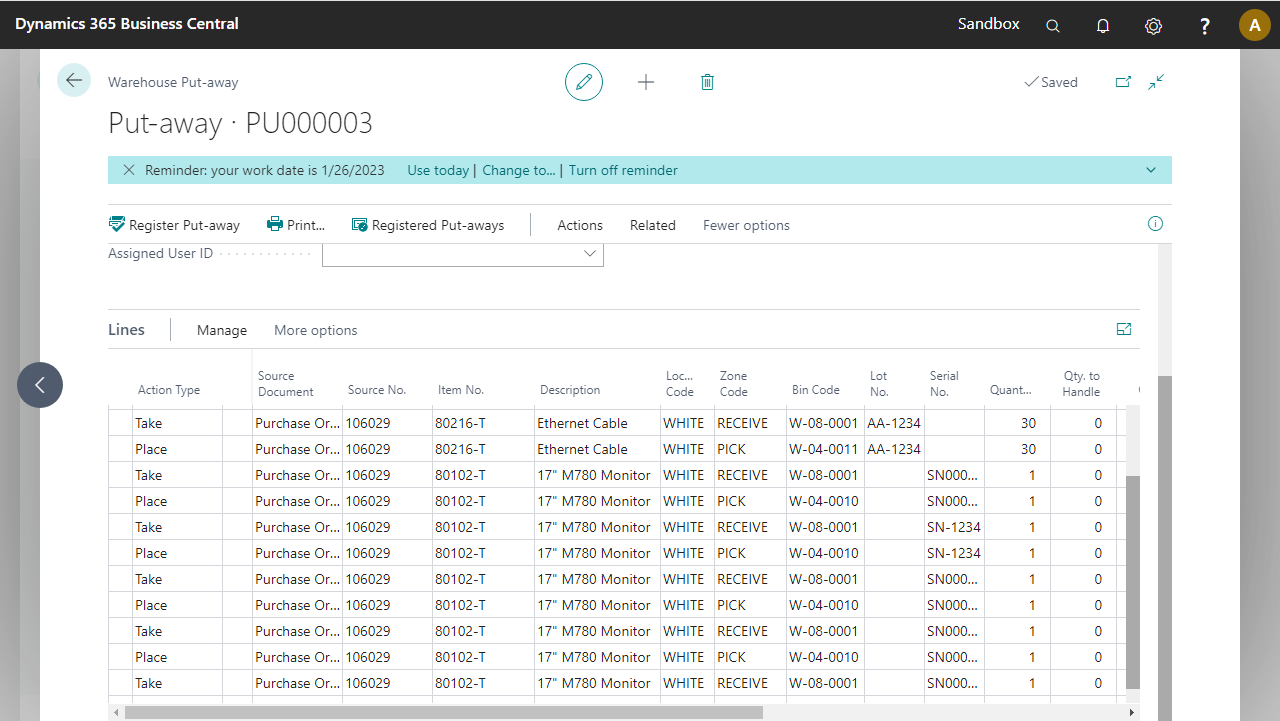
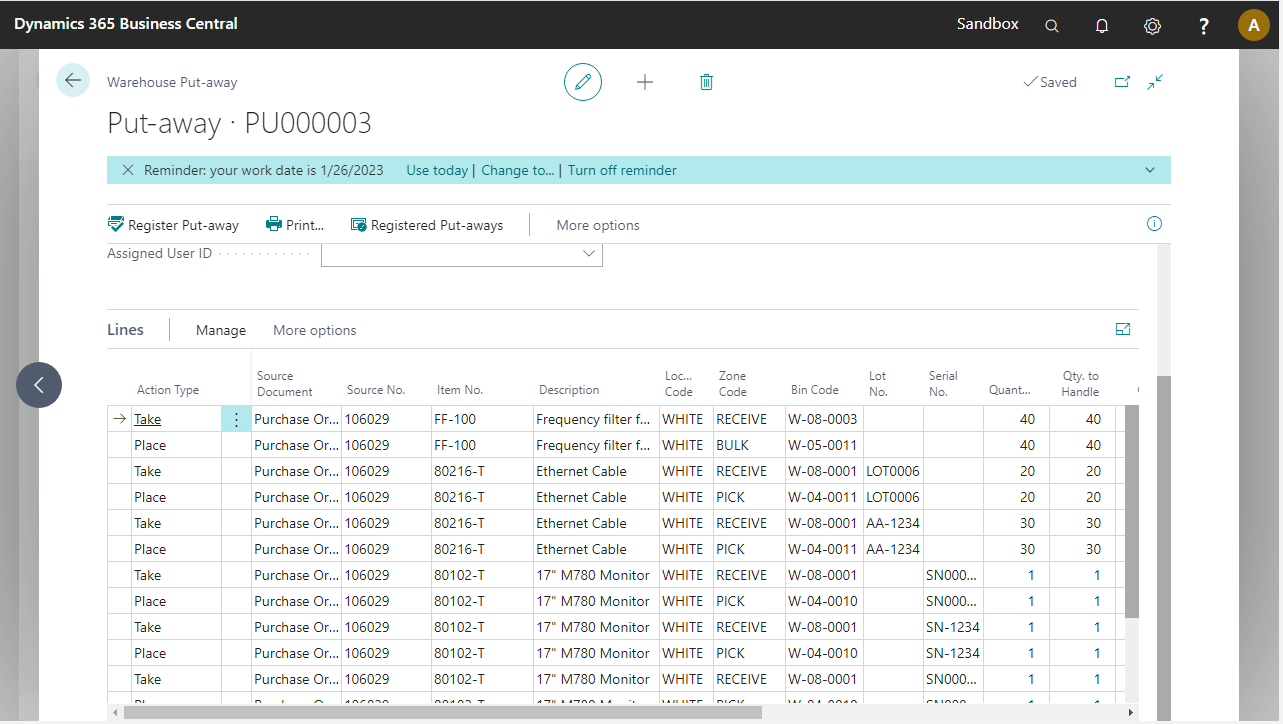
On the Warehouse Put-Away lines, the Qty. to Handle field is automatically filled by Microsoft Dynamics 365 Business Central. These quantities must be filled in through the pre-configured process, so they need to be set to zero.
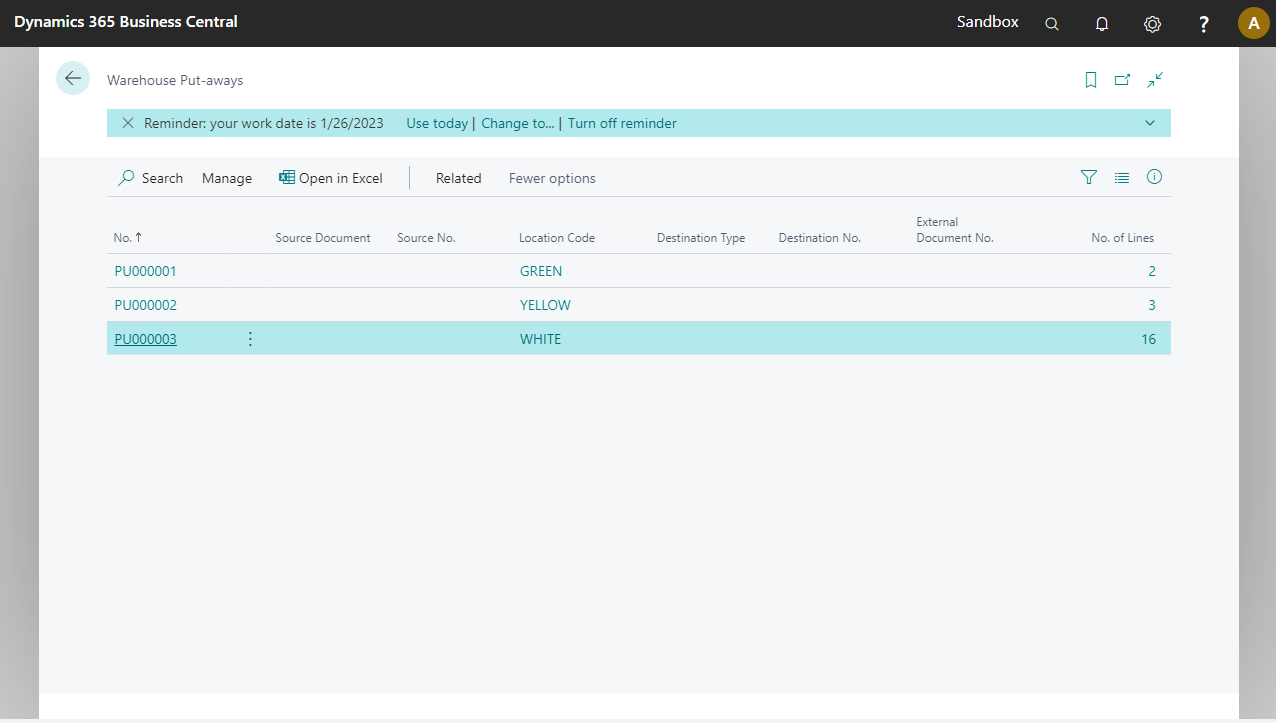
Go to the Warehouse Put-Aways page.
Open the Put-Away document with location WHITE.
Personalize the lines area so that Location Code, Zone Code, Bin Code, Lot No., and Serial No. appear after description.
Note
For each item to be put away, two lines are visible in the Put-Away document, a Take line and a Place line.
Use Actions > Functions > Delete Qty. to Handle to reset the Qty. to Handle to 0.