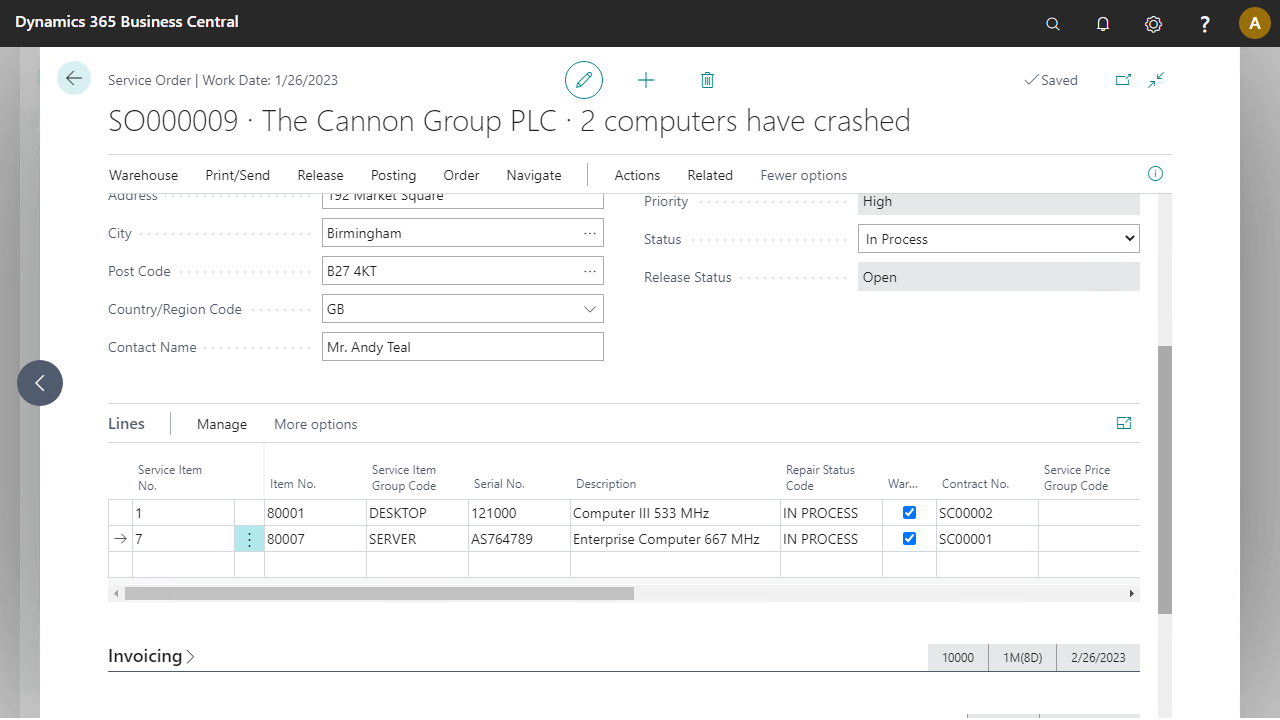
Execute the following setup configuration before running this demo process.
Resource
To register spent hours, link a resource to the mobile user.
Go to Resource > Resources > Resources.
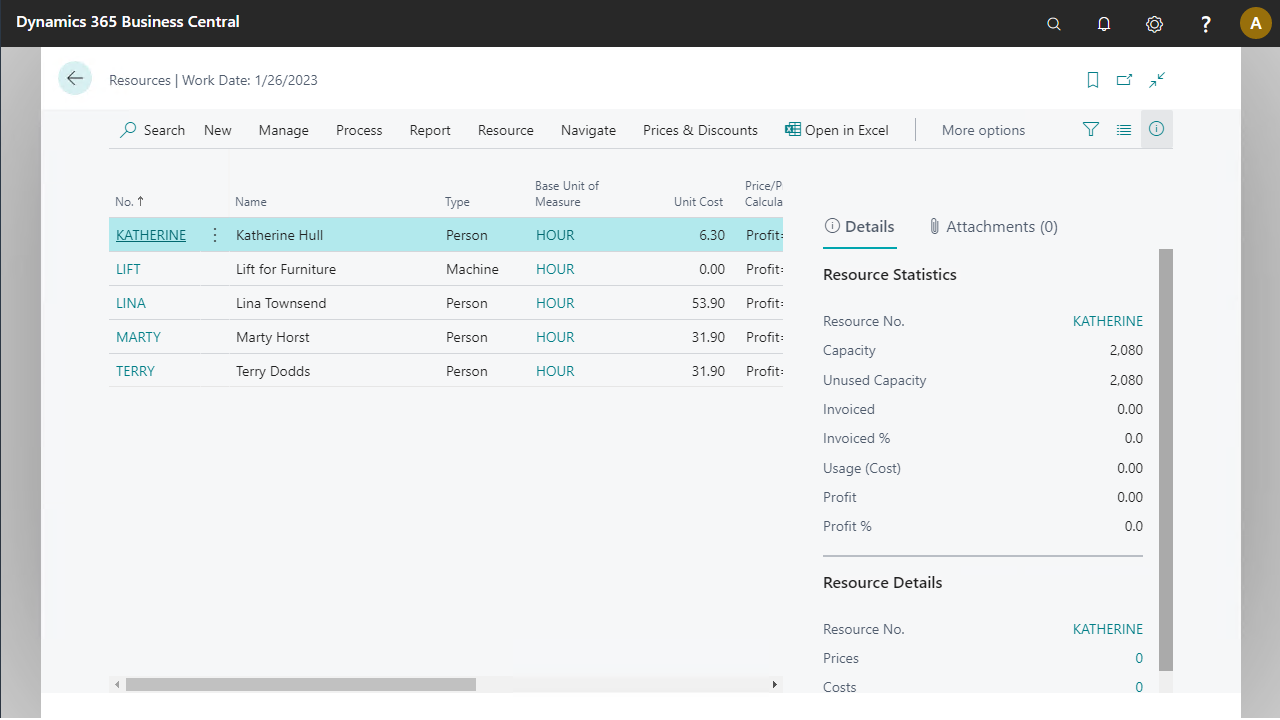
Select New to create a new resource.
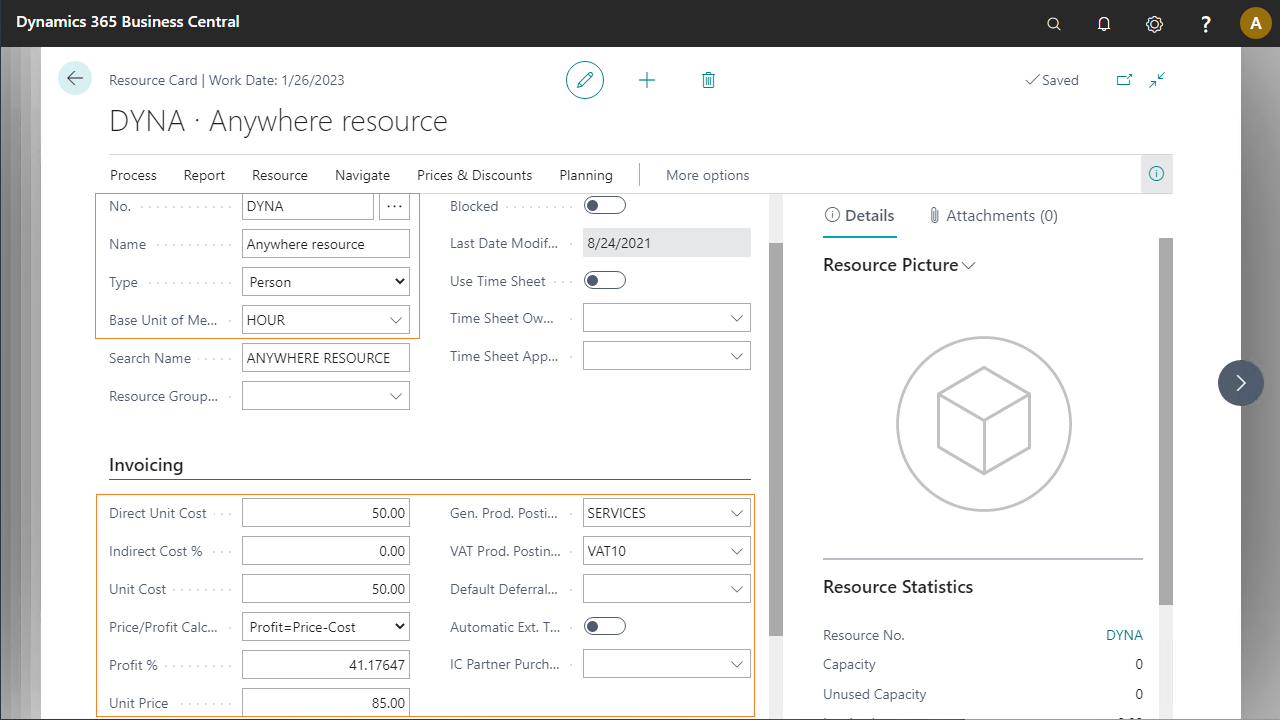
Enter a new resource DYNA with the data shown below.
Service order
The next step is to create a new service order.
Go to Service > Order Processing > Service Orders.
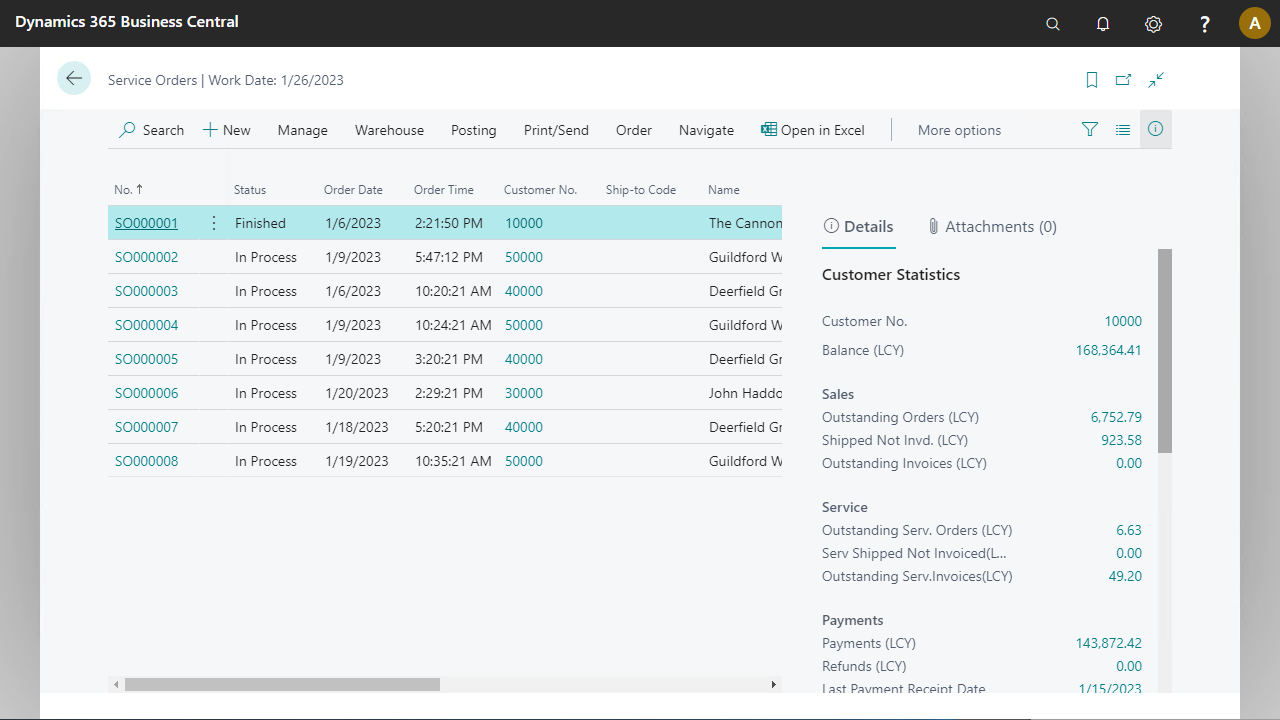
Select the New button to create a new service order.
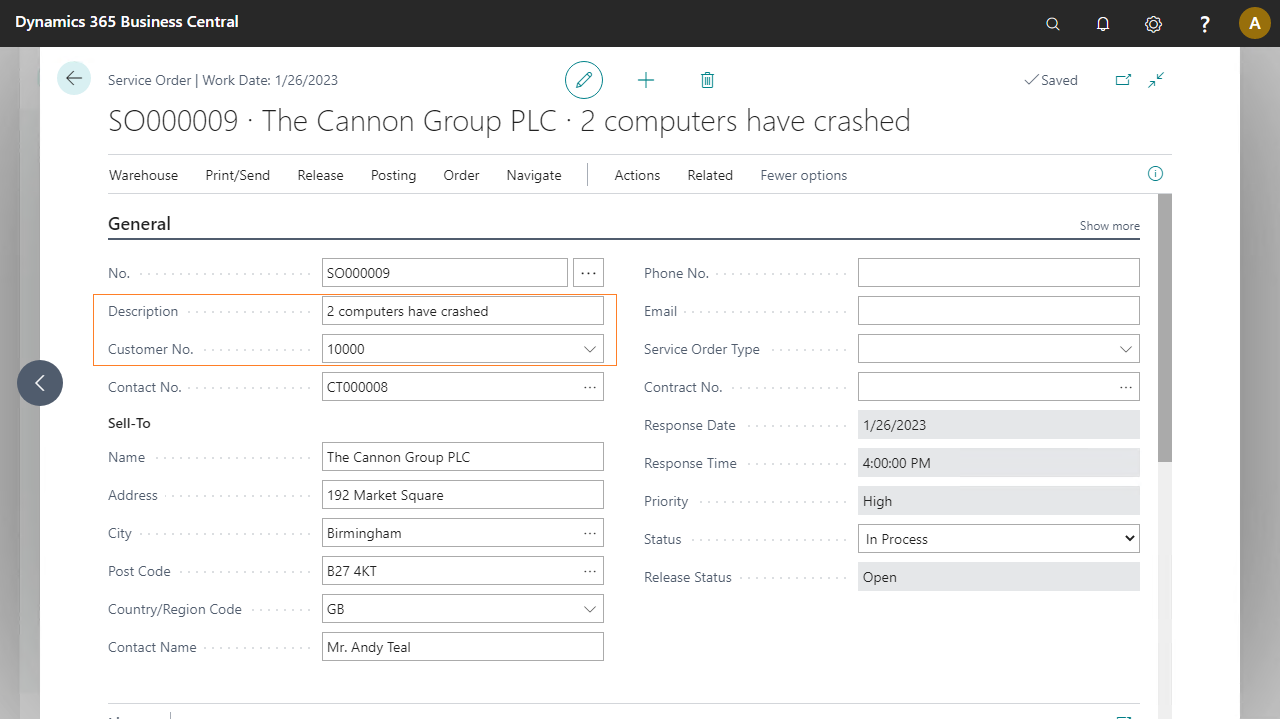
Enter customer number 10000, The Cannon Group PLC, and a description of the service.
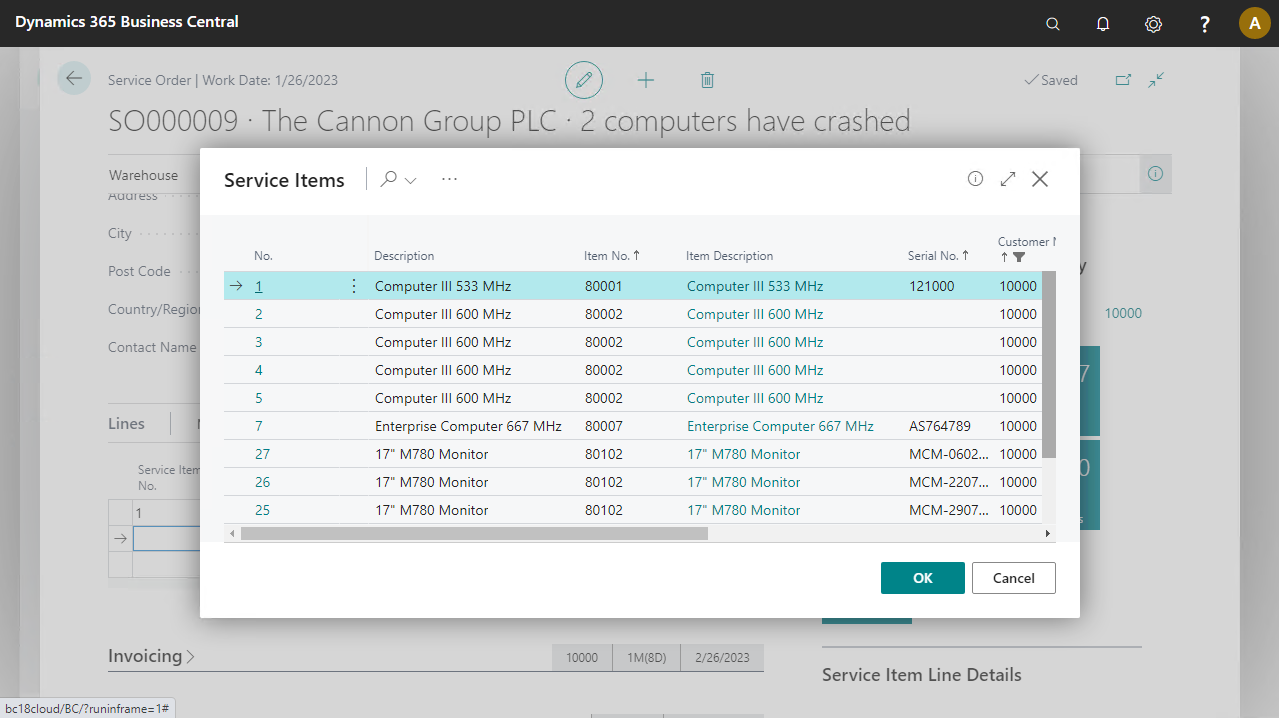
Select two items from the available service items (numbers 1 and 7 are used in the script).
For each service item, change the Repair Status to "IN PROCESS". This results in the order status In Process.