Execute the following setup configuration before running this demo process.
Sales & Receivables Setup
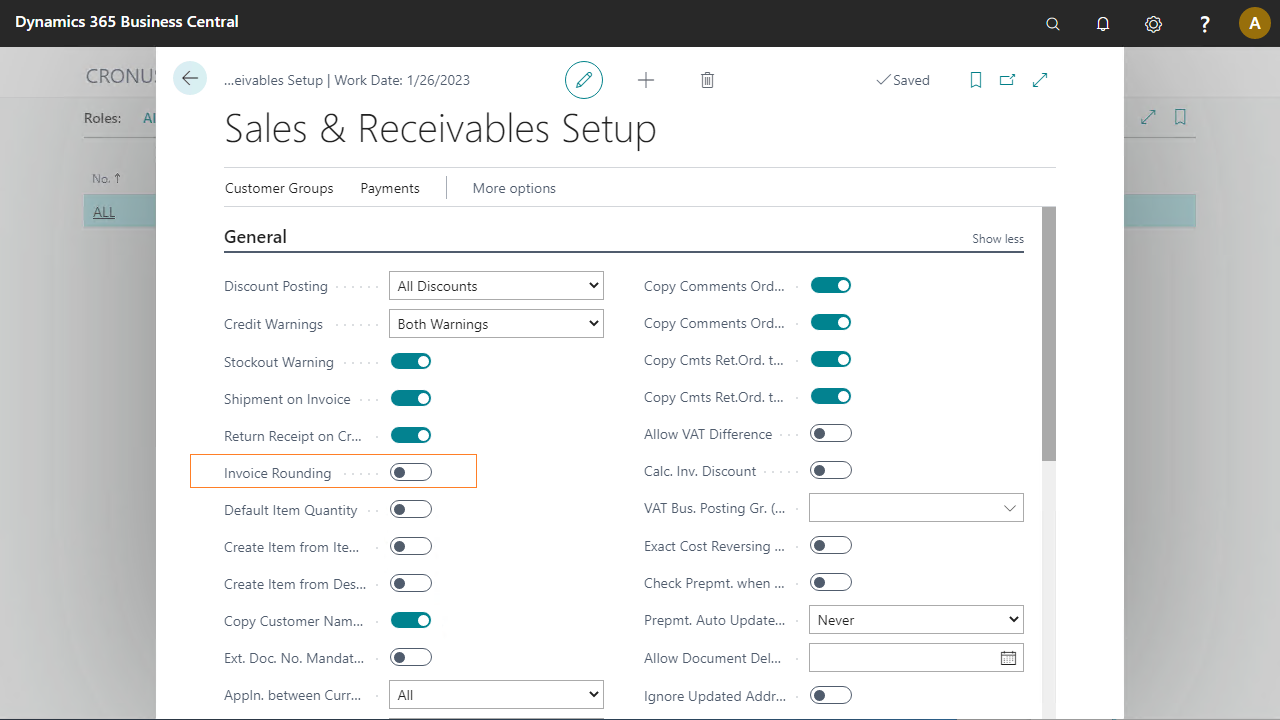
Go to Sales & Marketing > Setup > Sales & Receivables Setup.
Make sure Invoice Rounding is unchecked.
Numbering series setup
To create a new sales quote, define the following numbering series.
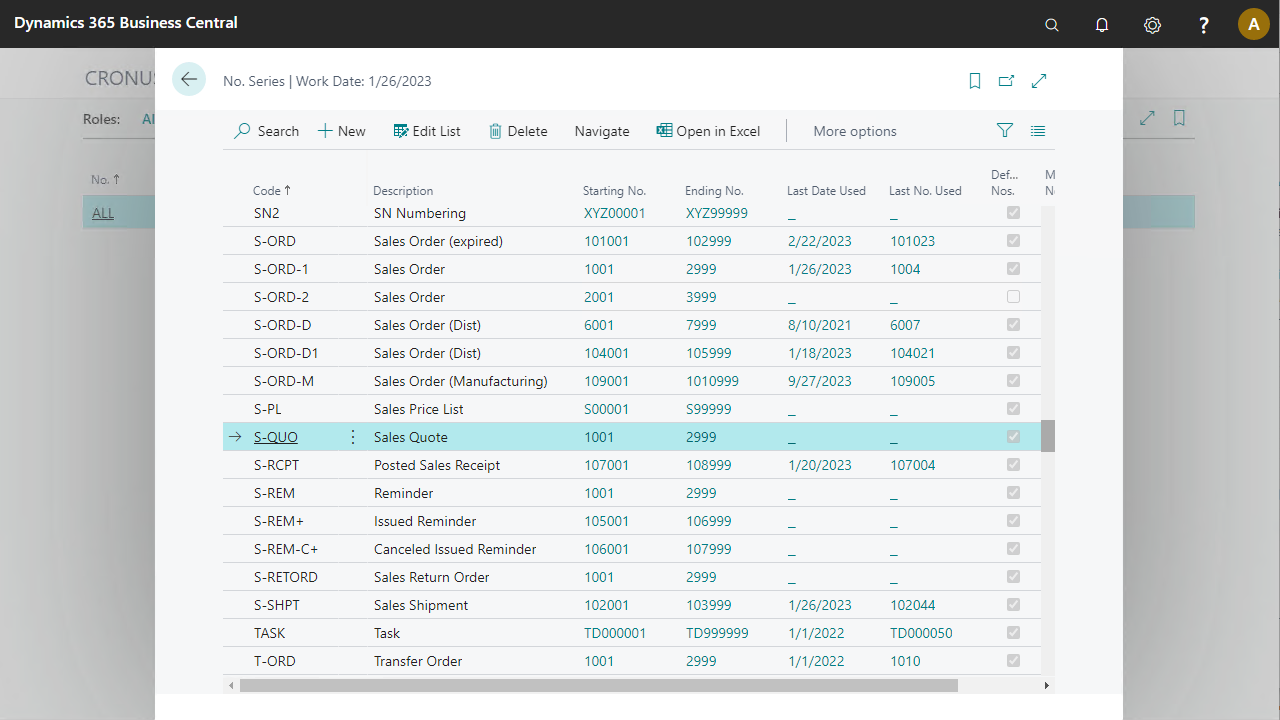
Go to Finance > Setup > No. Series.
The No. Series S-QUO must be defined.
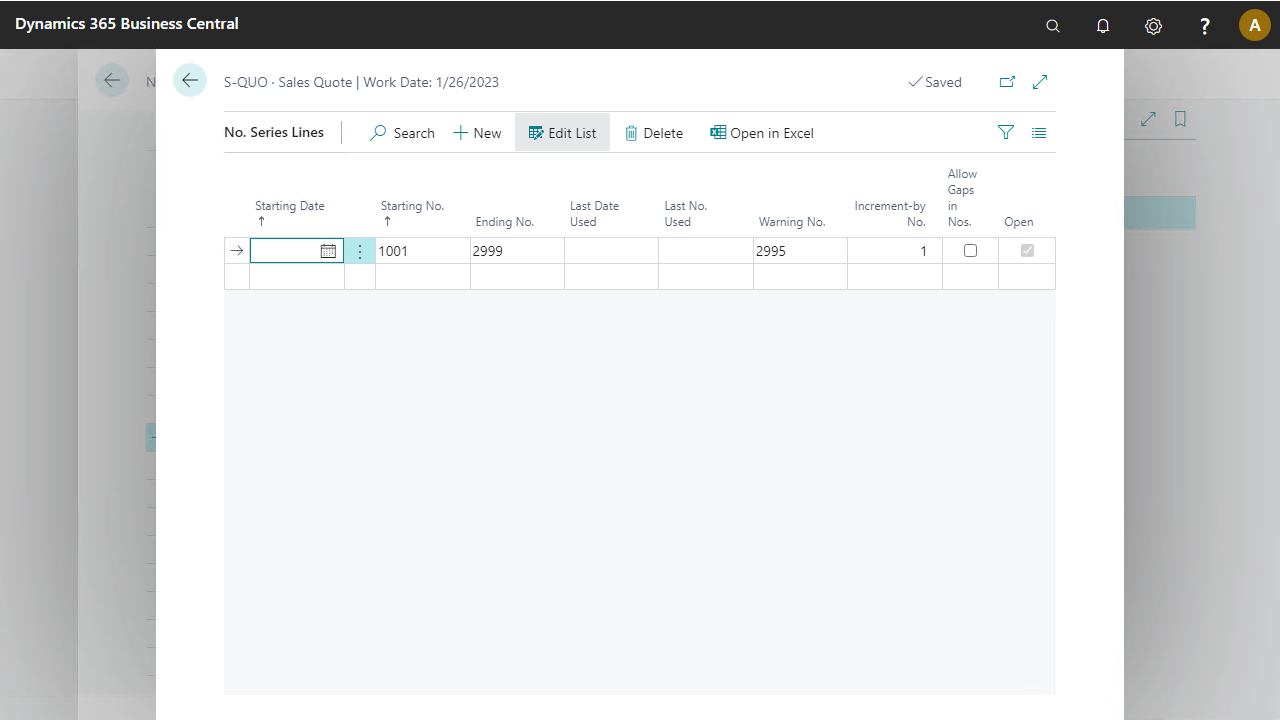
Select Lines to set the start and end number.
Customer data
In this demo script, either a contact (as prospect) or a customer is used to create a sales quote.
Create a contact by executing the Create Contact pre-configured process.
To get the best view of the process capabilities for pricing and discount, use customer 10000 (The Cannon Group Plc.) with some changes in the Customer card.
Go to Sales & Marketing > Sales > Customers.
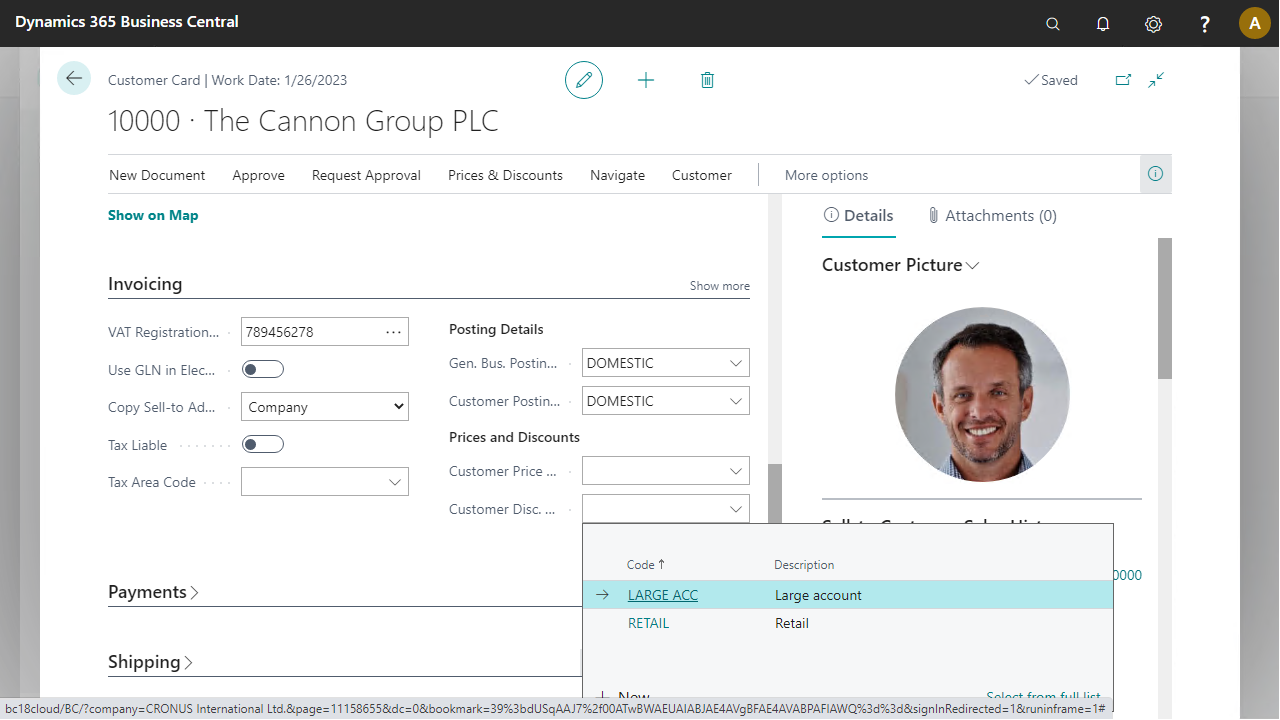
Double-click on the line with customer number 10000 and expand the Invoicing fast tab.
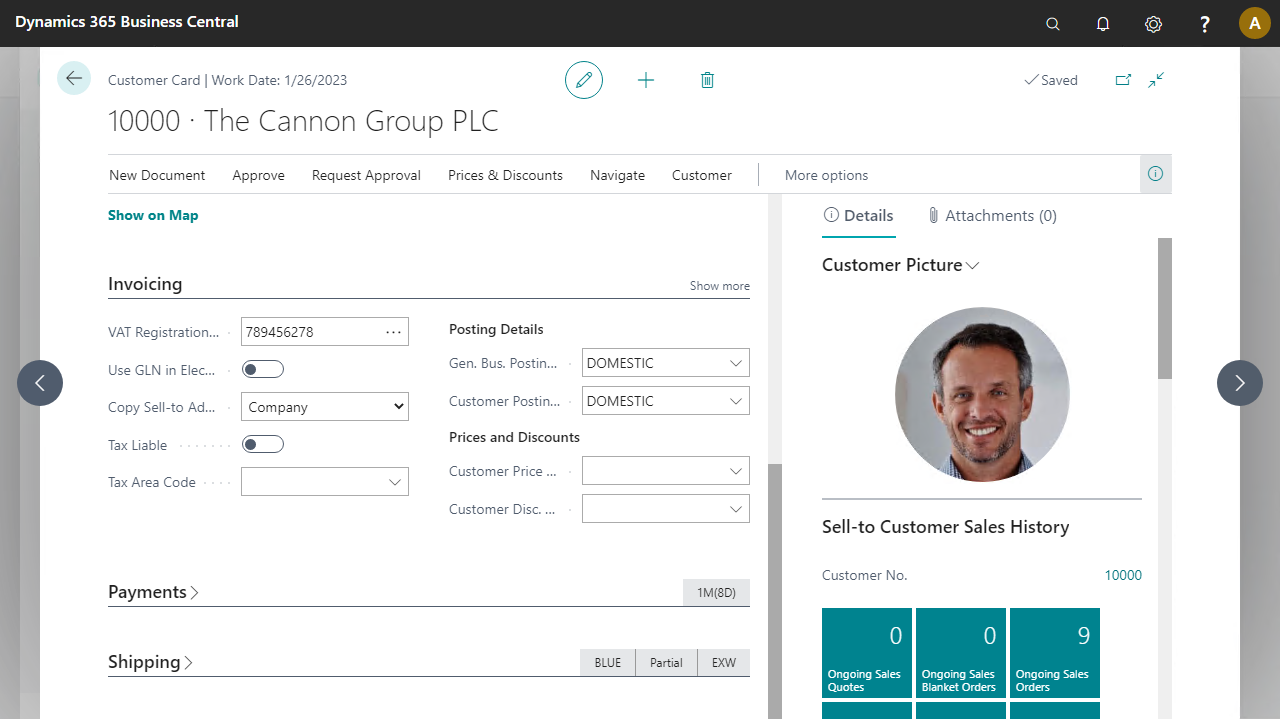
Enter Customer Disc. Group LARGE ACC.
Confirm by selecting the Ship-To Addresses button from the Navigate menu that the customer has two ship-to addresses.