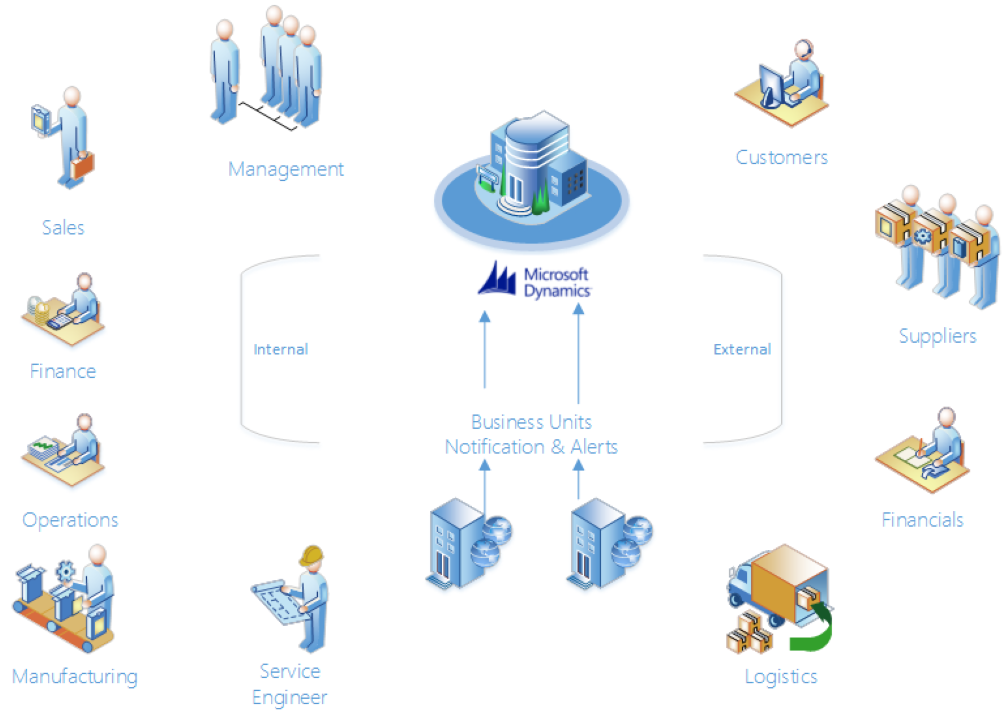
STAEDEAN Connectivity Studio provides powerful, extensive functionality and tools for creating a wide range of data integrations across several systems. By bringing together technologies in an agile and scalable way, Connectivity Studio helps unleash the potential of your existing infrastructure and ensures all your people work efficiently with critical business processes. STAEDEAN Notification Management ensures accurate delivery of critical information to the right person at the right time.
You can use Notification Management for Microsoft Dynamics 365 Business Central to send emails automatically from Microsoft Dynamics 365 Business Central to various email addresses. The messages can contain any information from Microsoft Dynamics 365 Business Central, and you can schedule delivery to specified recipients at specified times.
You can email reports for external documents (such as sales order confirmations, sales invoices, and purchase orders) as attachments in PDF, Word, or Excel formats. With Notification Management, you can also send alerts automatically when certain events occur in Microsoft Dynamics 365 Business Central.
You can configure messages in a template and link messages to information from the Microsoft Dynamics 365 Business Central database. For example, when a new service task or support call enters the system, an automatic email sends to the employee scheduled for the task. A business partner or group of business partners can specify a notification type (Outlook or SMTP) and a report format (PDF, Word, or Excel) for each external document. You can save notifications as templates for reuse.
You can use the HTML editor to implement your company's branding, improve usability for notifications, and reduce associated complexity.