---
title: "LiteralHTML example - Play audio"
slug: "bc-literalhtml-example-play-audio"
tags: ["Task"]
updated: 2026-06-25T09:59:03Z
published: 2026-06-25T09:59:03Z
canonical: "docs.staedean.com/bc-literalhtml-example-play-audio"
---
> ## Documentation Index
> Fetch the complete documentation index at: https://docs.staedean.com/llms.txt
> Use this file to discover all available pages before exploring further.
# LiteralHTML example - Play audio
To play audio on a page, set up the HTML5 `audio` tag via the LiteralHTML control. For the available options for this element, see [w3schools Html5_Audio](https://www.w3schools.com/html/html5_audio.asp).
The audio files used in this example are part of the standard Portal.
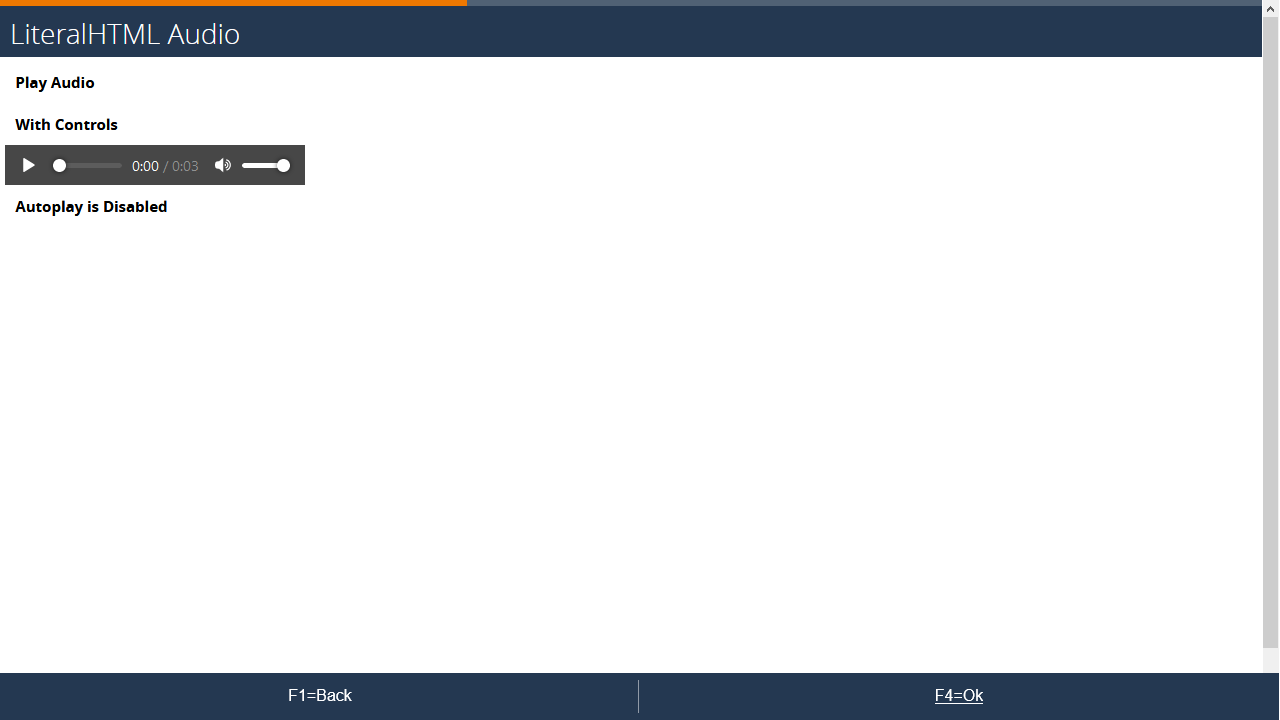
#### Example
#### Setup
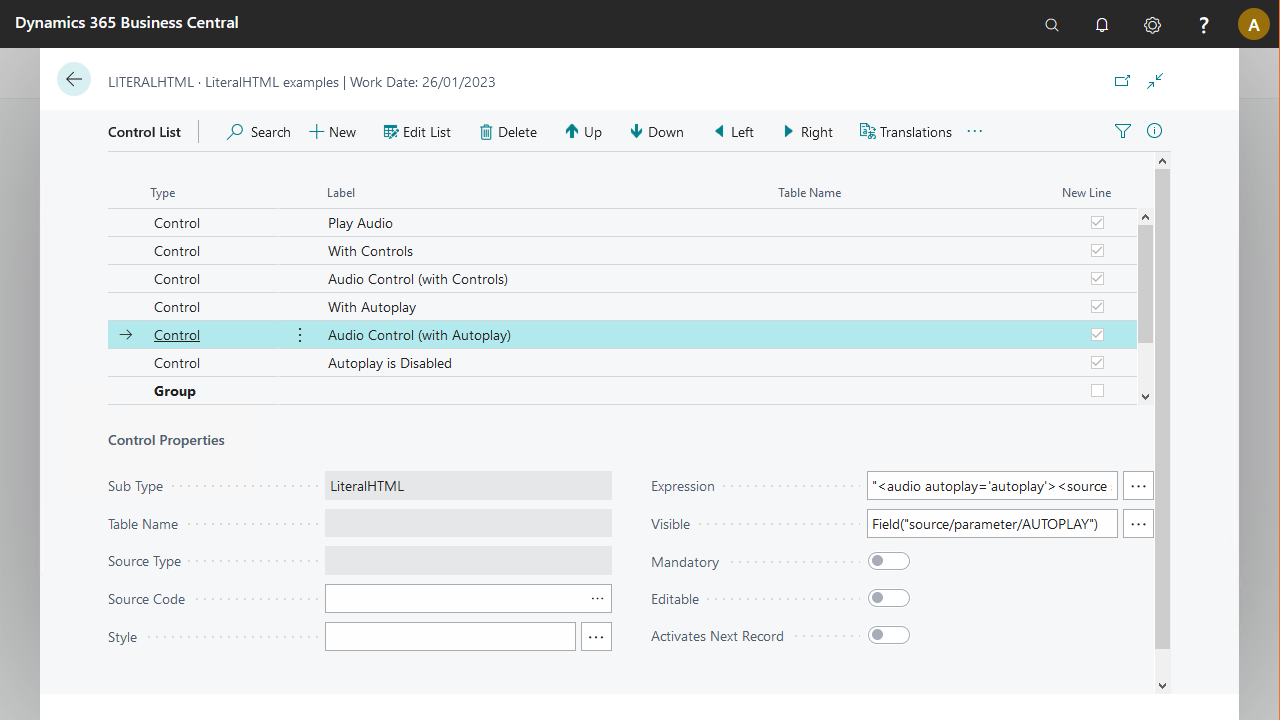
The first LiteralHTML control uses the following expression:
```plaintext
""
```
The second LiteralHTML control with autoplay uses the following expression. This control is not visible in the user interface.
```plaintext
""
```
## Related
- [Control sub type - LiteralHTML](/bc-control-sub-type-literalhtml.md)