---
title: "LiteralHTML example - Embed a map"
slug: "bc-literalhtml-example-embed-map"
tags: ["Task"]
updated: 2026-06-25T09:59:03Z
published: 2026-06-25T09:59:03Z
canonical: "docs.staedean.com/bc-literalhtml-example-embed-map"
---
> ## Documentation Index
> Fetch the complete documentation index at: https://docs.staedean.com/llms.txt
> Use this file to discover all available pages before exploring further.
# LiteralHTML example - Embed a map
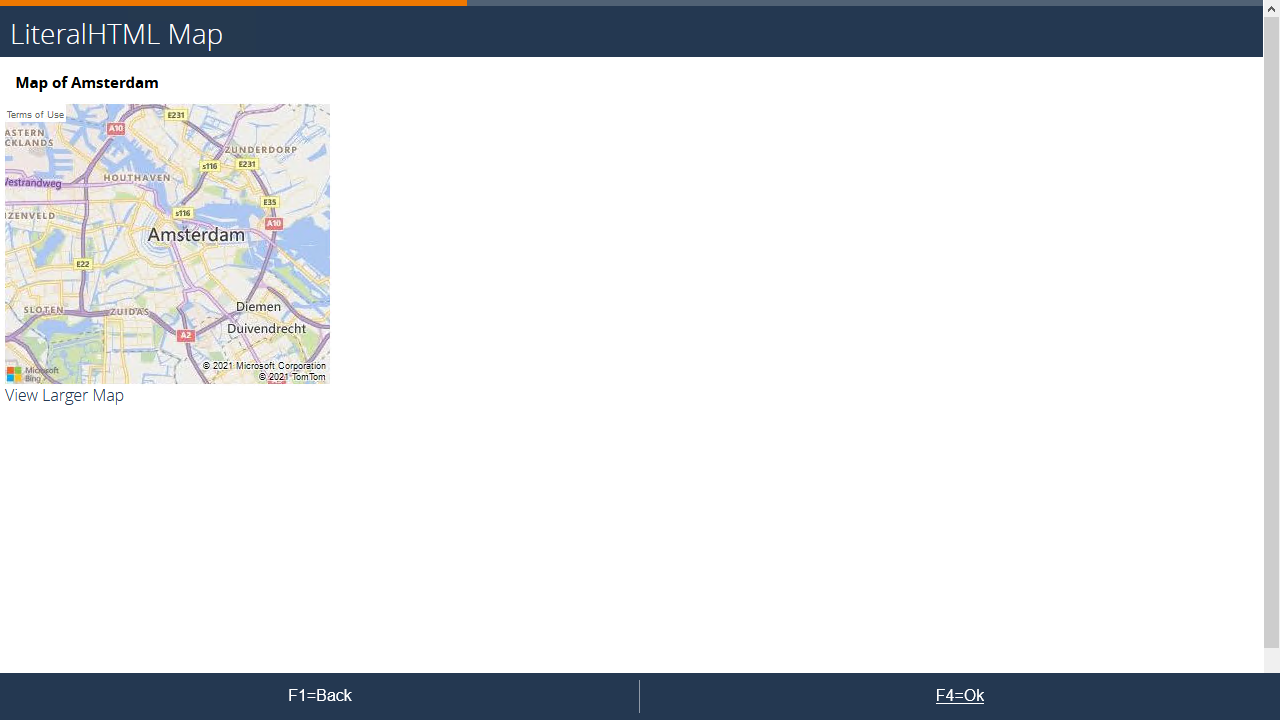
#### Example
#### Setup
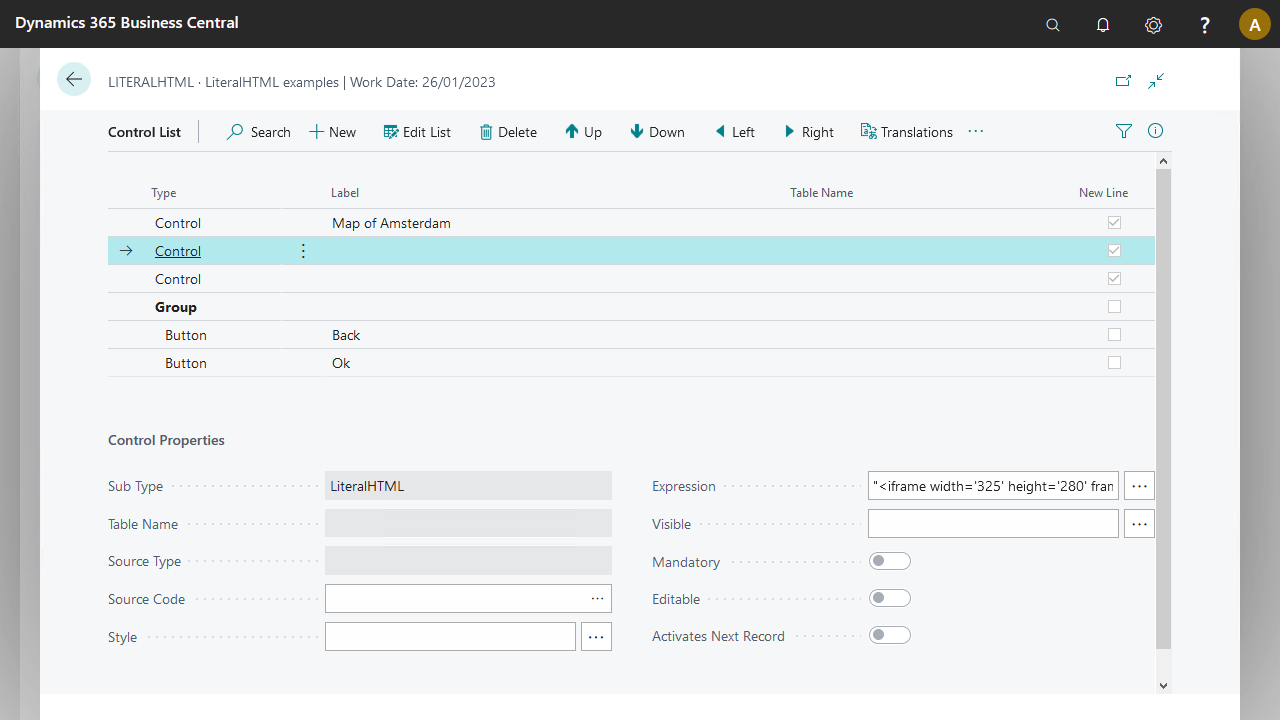
The map requires some preparation because the example code cannot be copied directly from the generated code.
Generate the base code from [Azure Maps](https://azure.microsoft.com/en-us/products/azure-maps/).
```plaintext
```
Adapt this code to produce the following expression in the LiteralHTML control for the map:
```plaintext
""
```
The adaptations made:
- Removed the encapsulating HTML elements (divs)
- Replaced all double quotes with single quotes: otherwise the expression is invalid
- Replaced `&` in the URL with `&` to send the control to the client correctly
- Incorporated parameters for the latitude, longitude, and zoom level
The link to view the larger map stores in the second LiteralHTML control:
```plaintext
"View Larger Map"
```
More details are in the download.
## Related
- [Control sub type - LiteralHTML](/bc-control-sub-type-literalhtml.md)