Example
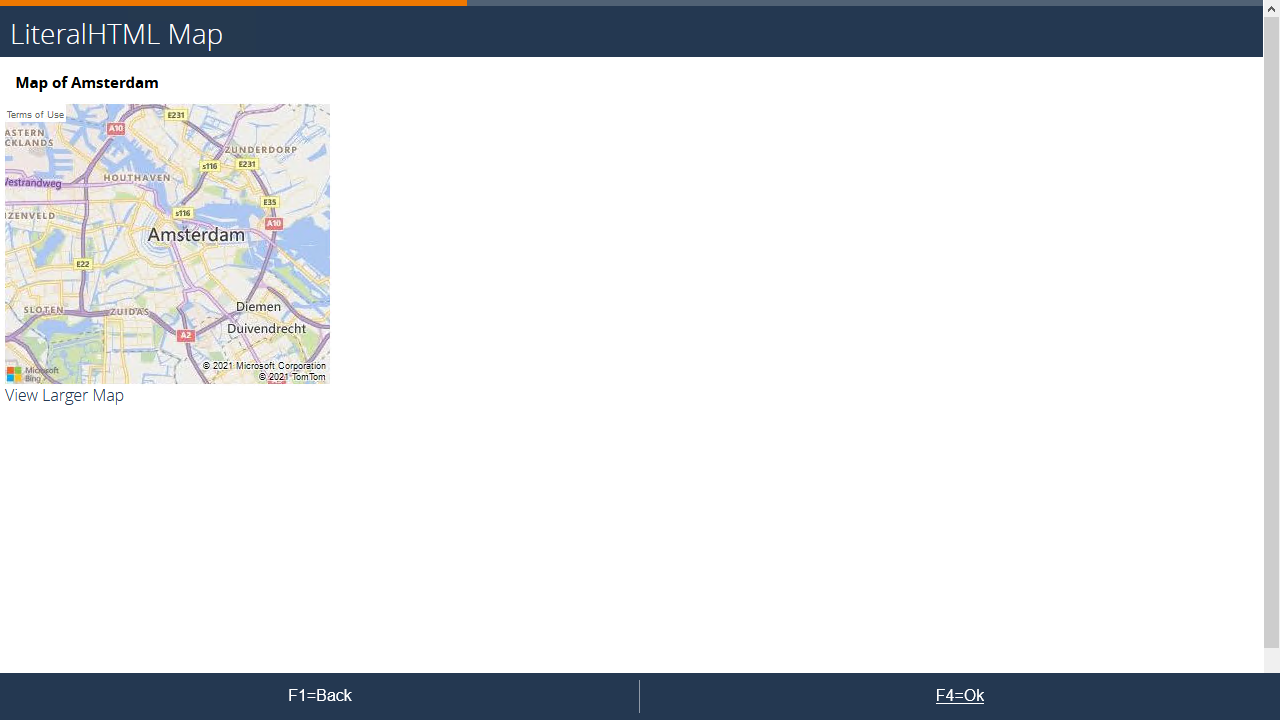
Setup
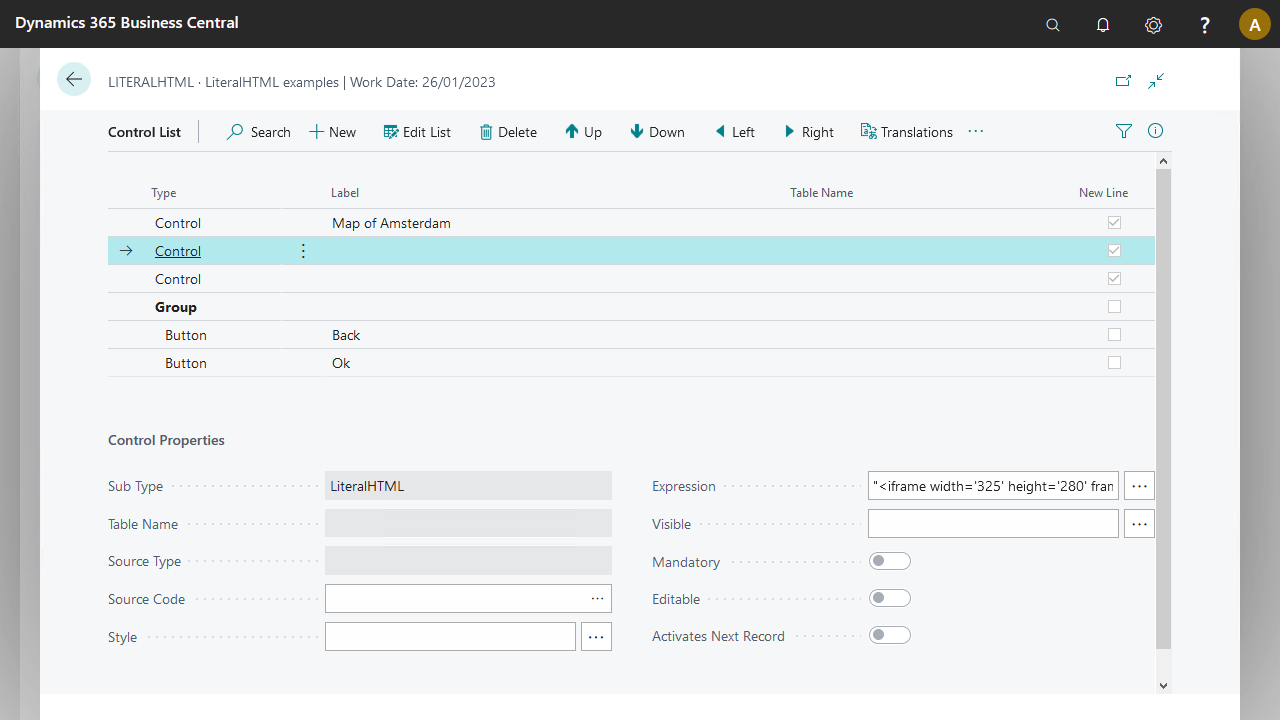
The map requires some preparation because the example code cannot be copied directly from the generated code.
Generate the base code from Azure Maps.
<div>
<iframe width='325' height='280' frameborder='0' src='https://www.bing.com/maps/embed?h=280&w=325&cp=52.3673008~-4.8998197&lvl=11&typ=s&sty=r&src=SHELL&FORM=MBEDV8' scrolling='no'>
</iframe>
<div style='white-space:nowrap;text-align:center;width:325px;padding:6px 0;'>
<a id="largeMapLink" target="_blank" href='https://www.bing.com/maps?cp=52.3673008~-4.8998197&sty=r&lvl=11&FORM=MBEDLD'>View Larger Map</a>
</div>
</div>
Adapt this code to produce the following expression in the LiteralHTML control for the map:
"<iframe width='325' height='280' frameborder='0' src='https://www.bing.com/maps/embed?h=280&w=325&cp="+Field("source/parameter/LATITUDE")+"~"+Field("source/parameter/LONGITUDE")+"&lvl="+Field("source/parameter/ZOOM")+"&typ=s&sty=r&src=SHELL&FORM=MBEDV8' scrolling='no'></iframe>"
The adaptations made:
Removed the encapsulating HTML elements (divs)
Replaced all double quotes with single quotes: otherwise the expression is invalid
Replaced
&in the URL with&amp;to send the control to the client correctlyIncorporated parameters for the latitude, longitude, and zoom level
The link to view the larger map stores in the second LiteralHTML control:
"<a id='largeMapLink' target='_blank' href='https://www.bing.com/maps?cp="+Field("source/parameter/LATITUDE")+"~"+Field("source/parameter/LONGITUDE")+"&sty=r&lvl="+Field("source/parameter/ZOOM")+"&FORM=MBEDLD'>View Larger Map</a>"
More details are in the download.