The installation package includes several portal installers. Each installer installs the same product but targets a different part of the DTAP (Development, Testing, Acceptance, and Production) cycle.
Find these installers under /Software/NAVANY/Portal/TI.ANY.Portals.zip.
Environment | Use installer |
|---|---|
Development | TI.DAWPortal.DEV.Deployment.msi |
Test | TI.DAWPortal.TST.Deployment.msi |
Acceptance | TI.DAWPortal.ACC.Deployment.msi |
Production | TI.DAWPortal.PRD.Deployment.msi |
Choose the most appropriate installer. The remainder of this installation guide assumes you chose the Production installer.
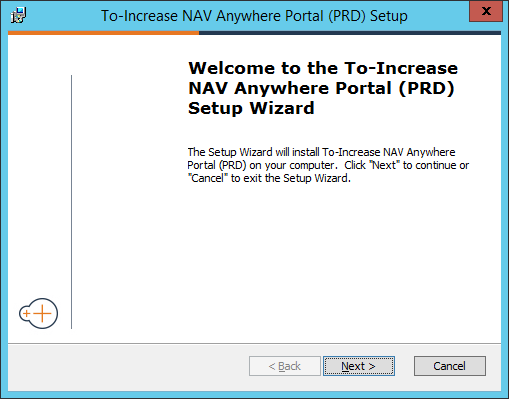
Launch the setup.exe file with the TI.DAWPortal.PRD.Deployment.msi installer.
Select Next to start the installation wizard.
In the next dialog, you can change the Anywhere Portal virtual directory (the web location or URL). Choose the application pool you created in the previous step.
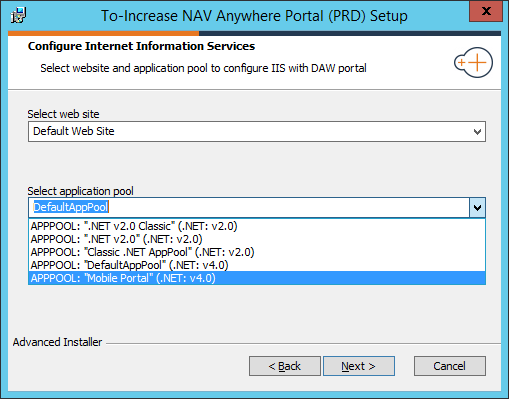
Select Next to confirm and install the Anywhere Portal.

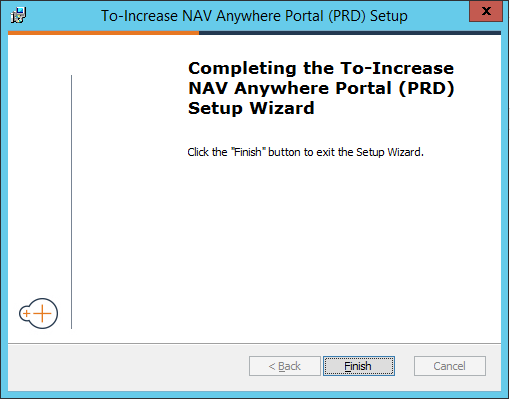
Select Close to finish the installation process.
Note
If the installation did not complete successfully, check the event log for more information.