You can deploy processes in two ways:
Import package
Deploy templates
Steps - Import processes
Open the Process List by choosing Departments > Anywhere Mobility Solutions > Configurator > Processes.
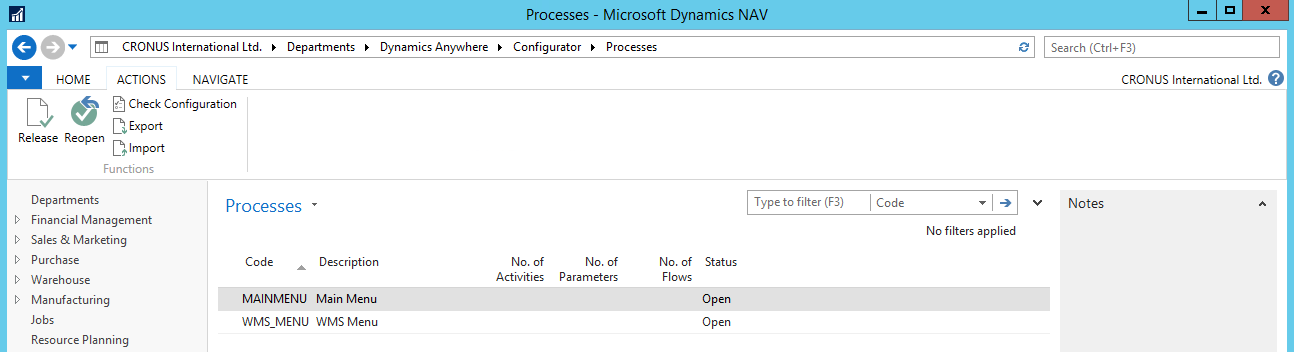
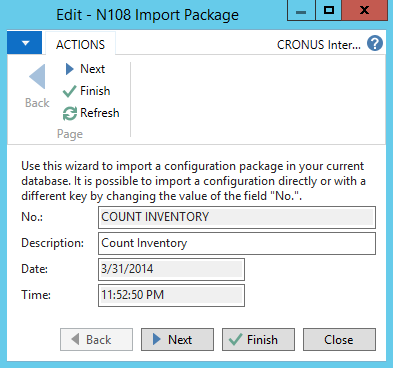
Select Actions > Import.
Select a zip archive to import. Only one configuration can be imported at a time.
Steps - Export processes
Choose Departments > Anywhere Mobility Solutions > Configurator > Processes.
Select the process to export.
Select Actions > Export. Only one configuration can be exported at a time.
Select a location to save the configuration as a zip package.