Getting started
To get started with Business Integration Solutions, the following table provides links to the topics in this section.
To | See |
|---|---|
Install and configure | |
Install and update | |
See what's new in Business Integration Solutions for Microsoft Dynamics 365 Business Central - On premises | |
See what's new in Business Integration Solutions for Microsoft Dynamics 365 Business Central - SaaS |
Business Integration Solutions uses a modular app structure. The Business Integration Solutions monolith is split into several apps. At the base of everything is the STAEDEAN-Common app. In a regular app environment, STAEDEAN-Common is the first app placed on top of the base D365 BC app. This app does not appear in the Extension list in Microsoft Dynamics 365 Business Central and functions as a dependency app.
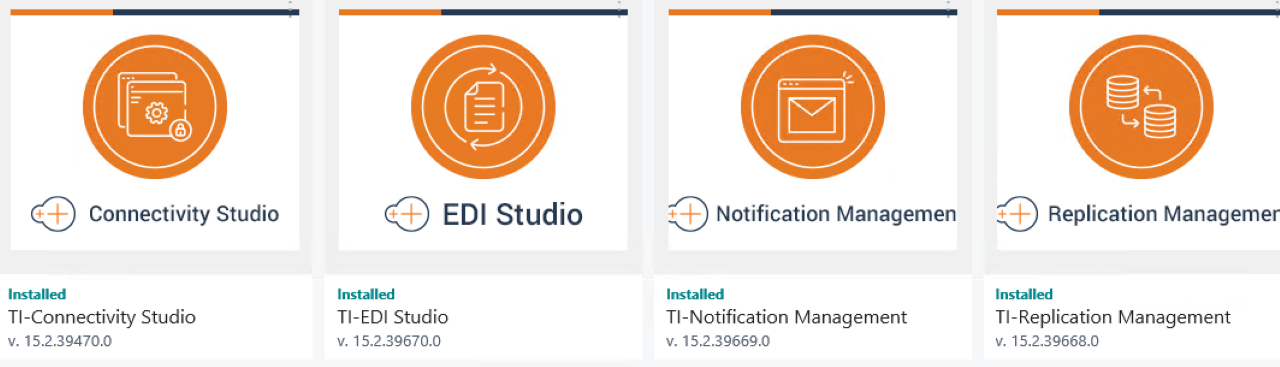
The second layer is the Business Integration Solutions app. This app contains only the business logic used by:
Replication Management
Connectivity Studio
Notification Management
EDI Studio
The Business Integration Solutions app also contains the framework for Label Printing and Anywhere Mobility Solutions. The Business Integration Solutions app also does not appear in the Extension list in D365 BC and functions as a dependency app.
The former Business Integration Solutions are now separate apps. For example, if an organization requires Connectivity Studio, the user can install the Connectivity Studio app without also installing Notification Management, EDI Studio, and Replication Management.