Execute the following setup configuration before running this demo process.
Sales and receivables setup
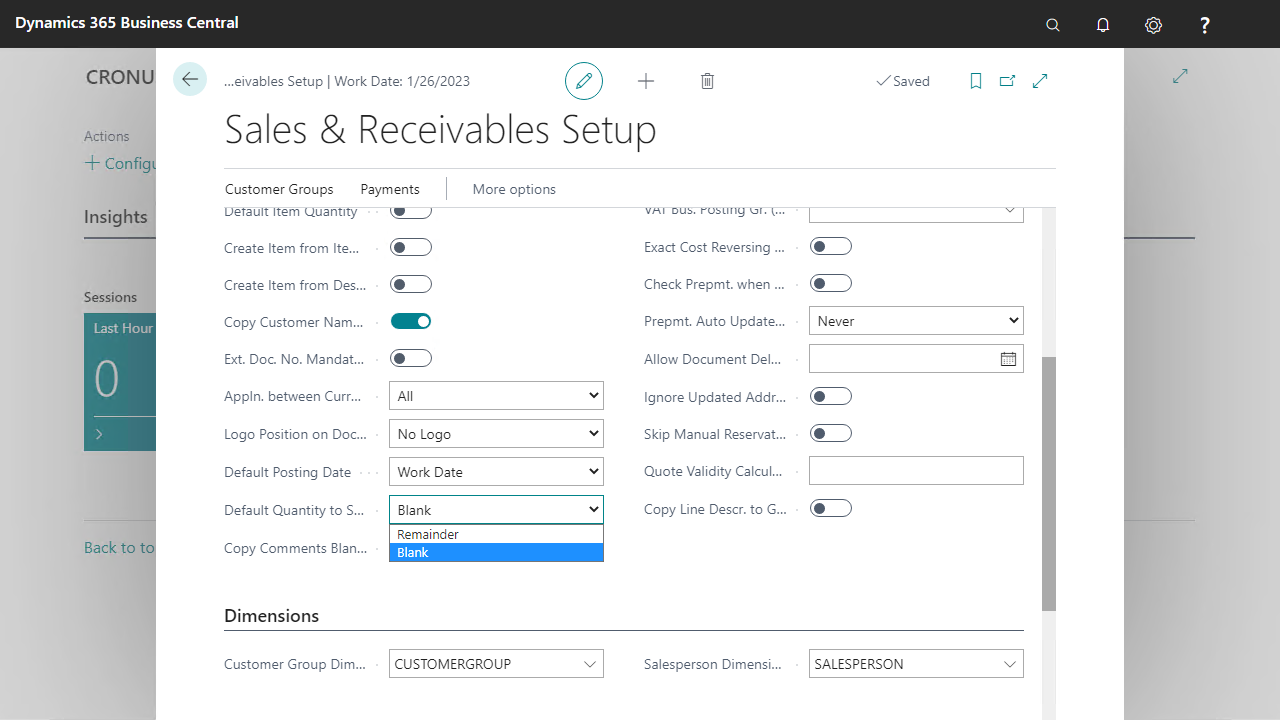
Set the default value of the Qty. to Ship field at the Sales Order Line to 0 when creating new orders and after posting.
Go to Sales & Marketing > Setup and open the Sales & Receivables page.
Change the following setup parameter to Blank.
Numbering series setup
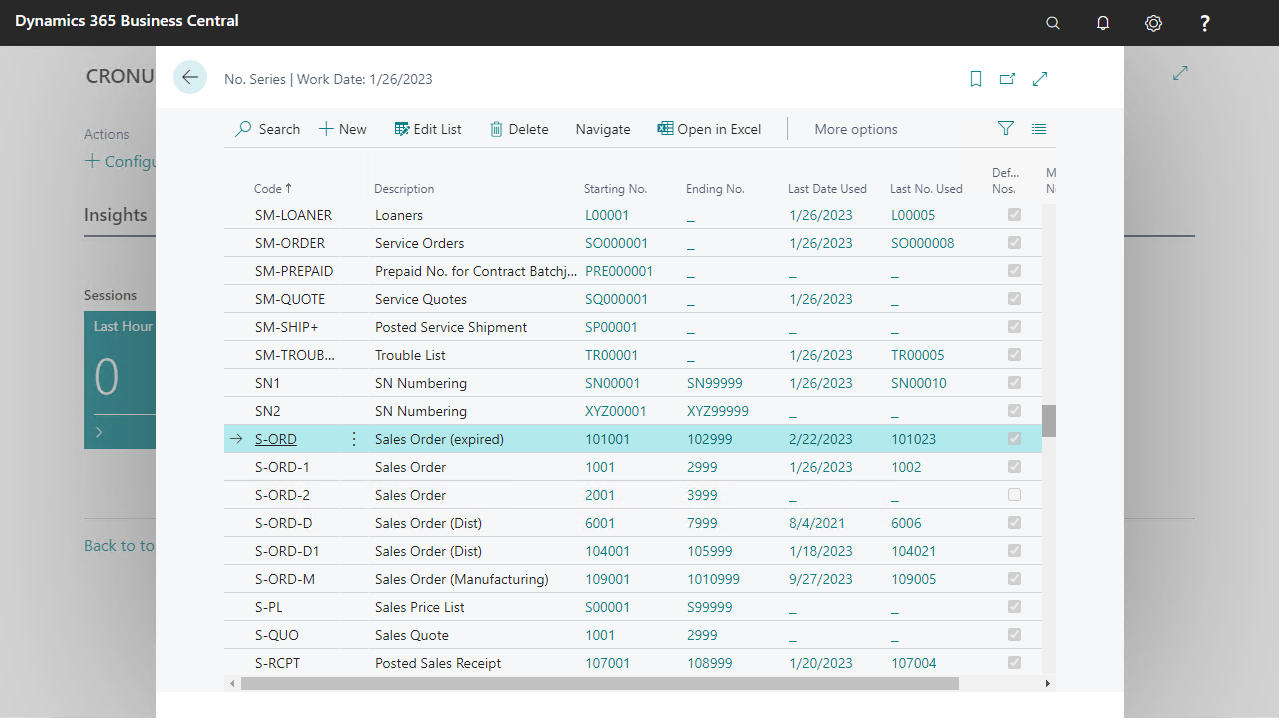
To create a new sales order, define the following numbering series.
Go to Finance > Setup > No. Series.
The No. Series S-ORD-D must be defined.
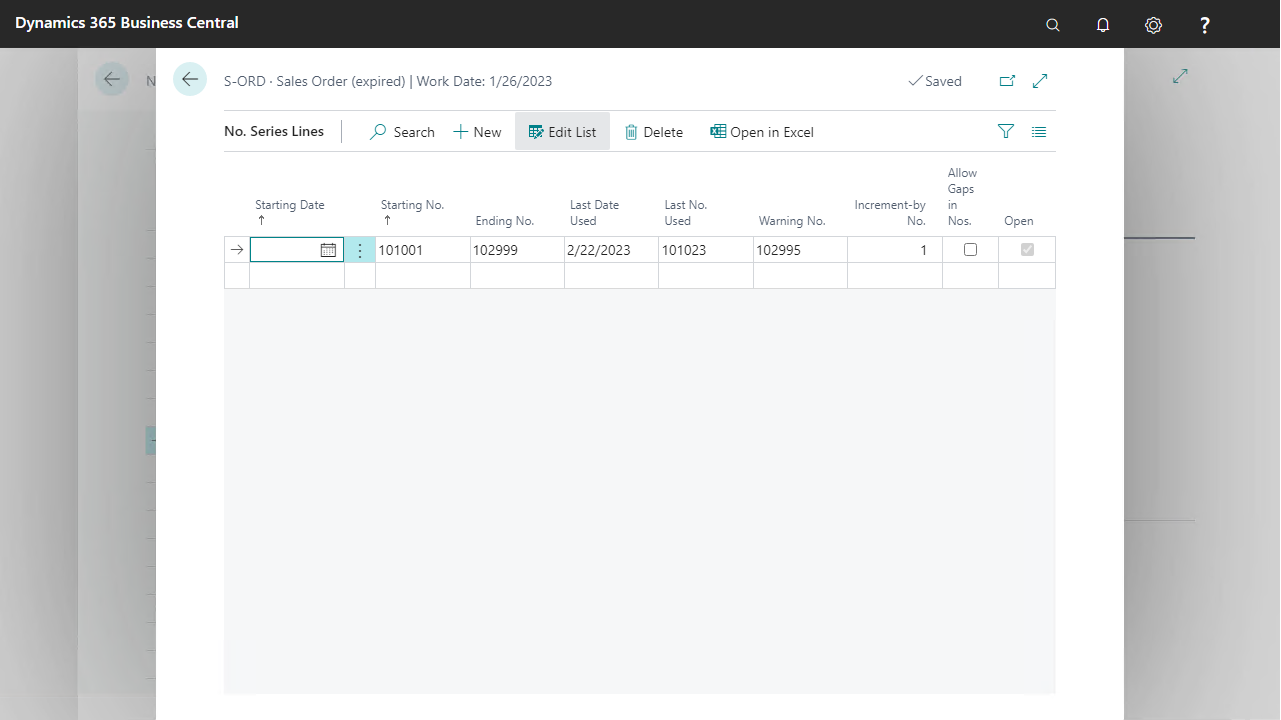
From the Navigate group select Lines to set the Start and End No.
Customer data
In this demo script, a customer is used to create a sales order. To get the best view of the process capabilities, use customer 10000 (The Cannon Group Plc.) with some changes in the Customer card.
Go to Sales & Marketing > Sales > Customers.
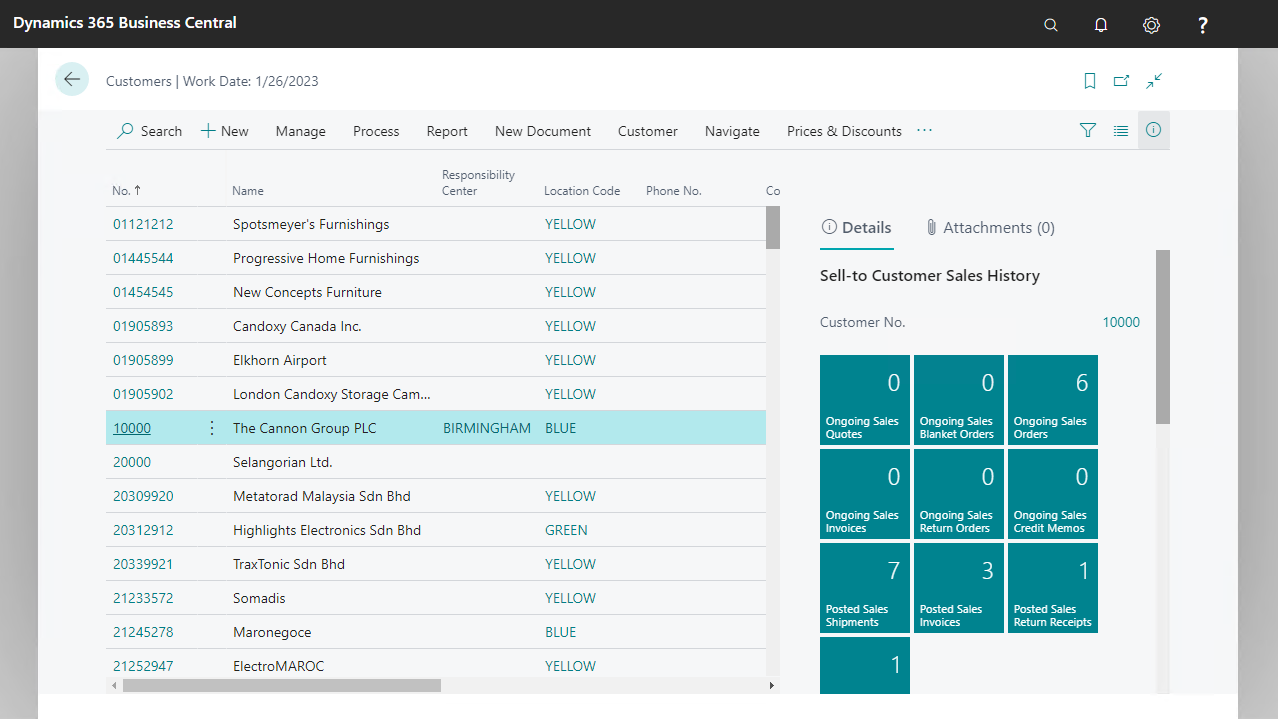
Expand the Invoicing fast tab.
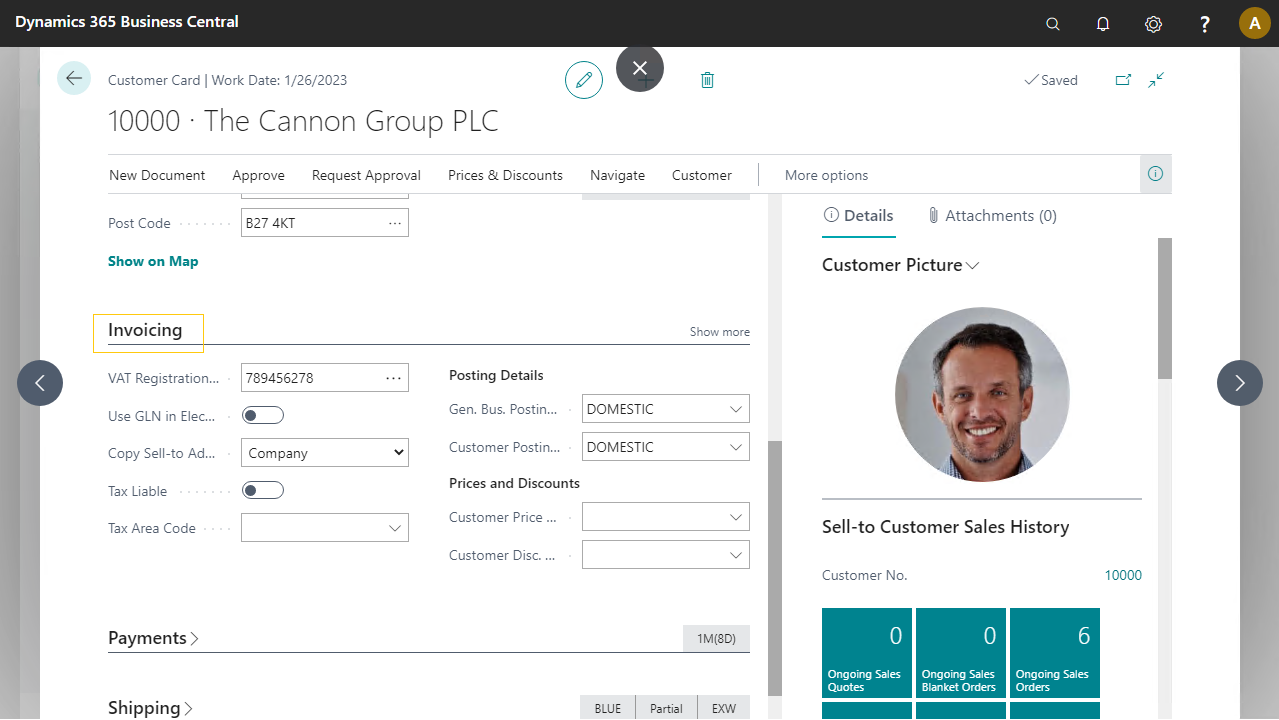
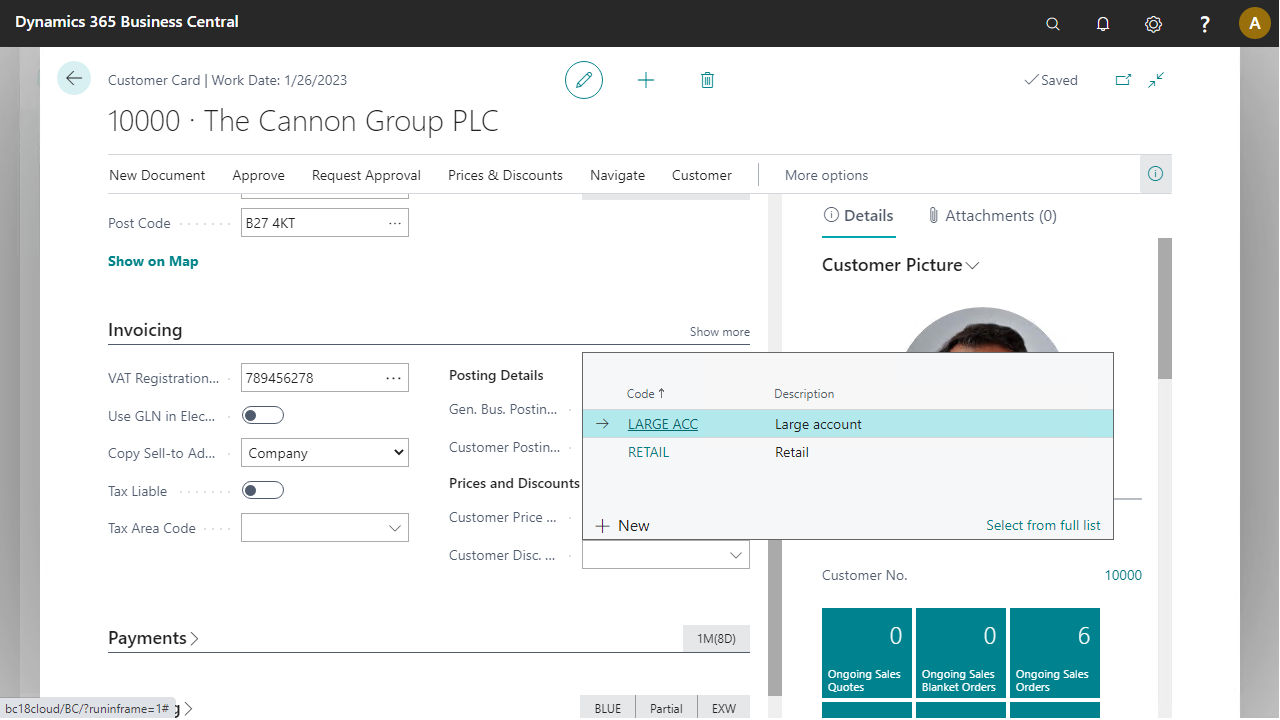
Enter Customer Disc. Group LARGE ACC.
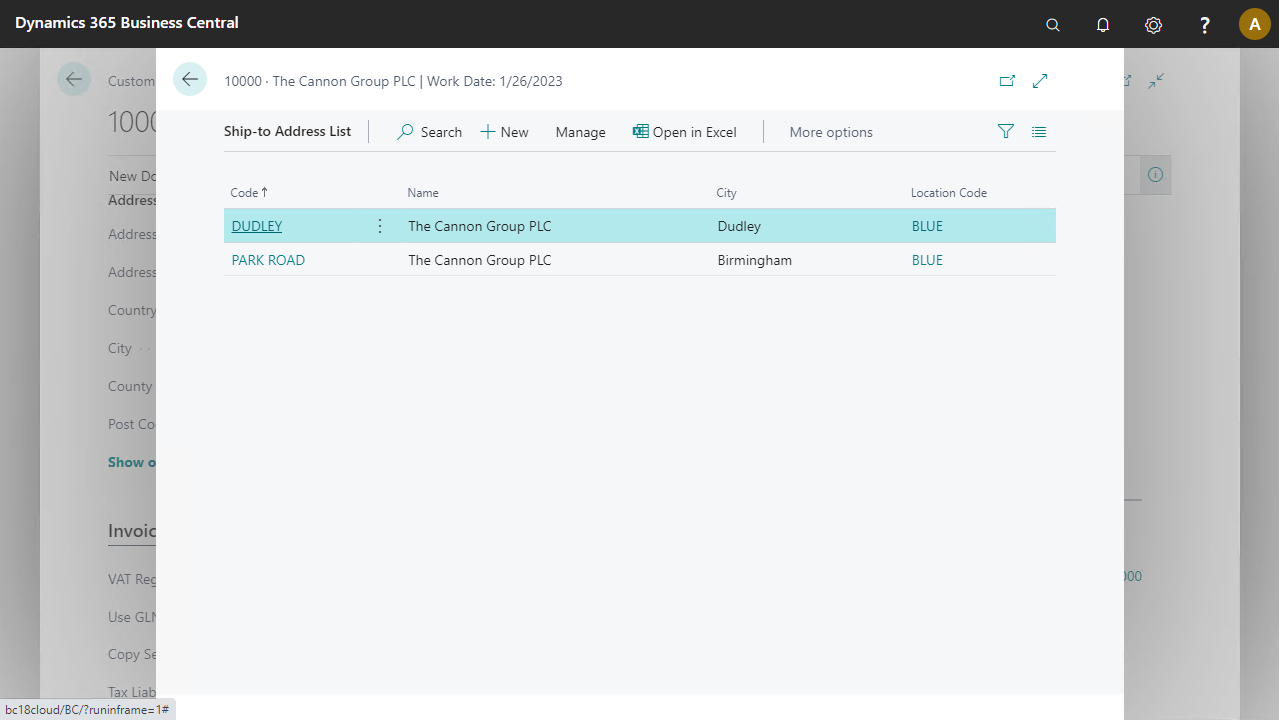
Confirm by selecting the Ship-To Addresses button (from the Navigate group) that the customer has two ship-to addresses.